Fix My Speakers Online Tool: Clean Water and Dust from Mobile Speakers Instantly
Mobile phone speaker problems are extremely common today. Many users experience low volume, muffled sound, distortion, or unclear audio, especially after their phone comes in contact with water, moisture, or dust.
In most cases, people assume their speaker is damaged and rush to a repair shop. However, the truth is that often the issue is not hardware damage but water droplets or dust trapped inside the speaker grill.
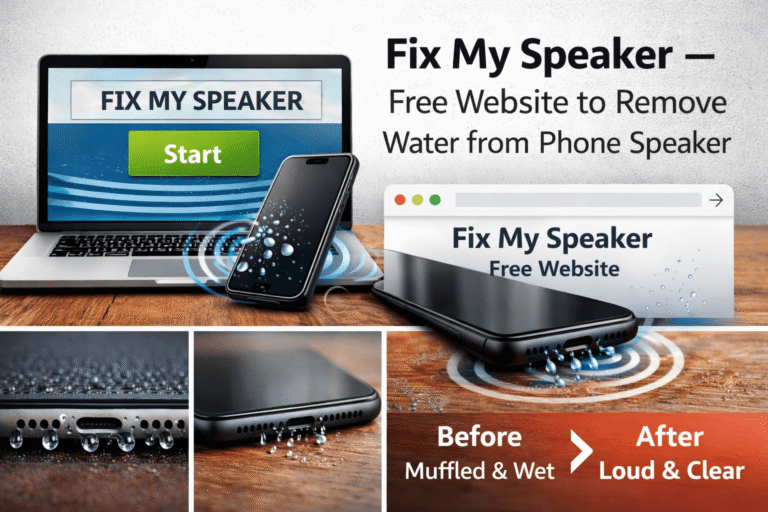
This is where the Fix My Speakers Online Tool becomes a powerful and convenient solution. It is a web-based speaker cleaning tool that uses high-frequency sound waves to help eject water and dust from mobile speakers without installing any app or opening your phone.
What Is Fix My Speakers Online Tool?
Fix My Speakers is a browser-based online tool designed to clean mobile speakers using specially generated sound frequencies.
Unlike apps, this tool:
- Works directly from your browser
- Requires no installation
- Is compatible with Android, iPhone, tablets, and laptops
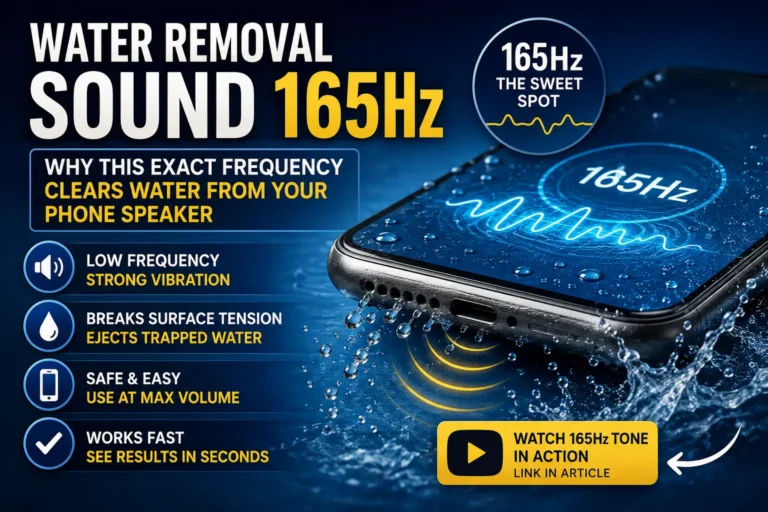
The tool plays specific sound frequencies that create vibrations inside the speaker, helping remove trapped water, moisture, and dust particles.
How Does Fix My Speakers Website Work?
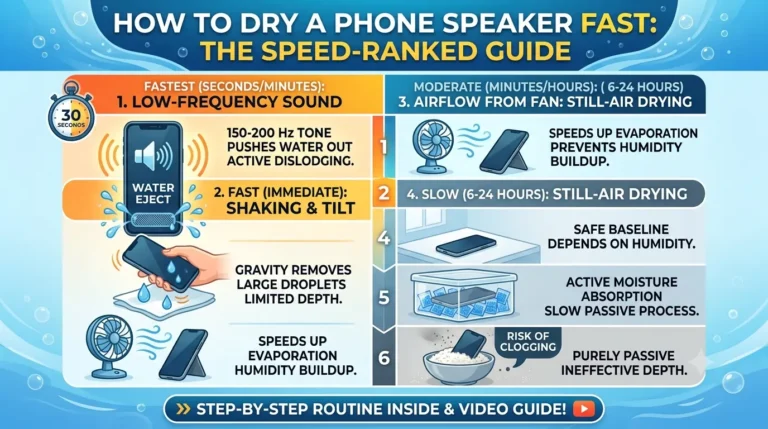
When water or dust gets stuck in the speaker grill, it blocks sound waves and reduces volume. Fix My Speakers solves this problem using controlled audio vibrations.
Working Principle:
- The tool generates low-to-high frequency sound waves.
- These sound waves create vibrations in the speaker diaphragm.
- Vibrations push out water droplets and loosen dust.
- Speaker sound becomes clearer and louder again.
This method is similar to professional speaker cleaning techniques but made available online for free.
Key Features of Fix My Speakers Website
No App Installation Required
You can use the tool directly from your browser — no downloads, no storage usage.
One-Click Speaker Cleaning
Simply press the Play or Start button and let the tool do the work.
High-Frequency Sound Technology
The tool uses optimized sound frequencies designed specifically for speaker cleaning.
Works on All Devices
Compatible with:
- Android phones
- iPhones
- Tablets
- Laptops
- Bluetooth speakers
Free and Easy to Use
No sign-up, no payment, and no technical knowledge required.
How to Use Fix My Speakers Online Tool (Step-by-Step)
Follow these steps for best results:
- Open the Fix My Speakers website on your phone browser.
- Increase your phone volume to maximum (100%).
- Place your phone on a flat surface.
- Make sure the speaker faces downward.
- Tap on Play / Start Sound.
- Let the sound play for 30–60 seconds.
- If needed, repeat the process 2–3 times.
✔️ Most users notice improvement after the first run.
✔️ Water droplets may visibly come out of the speaker.
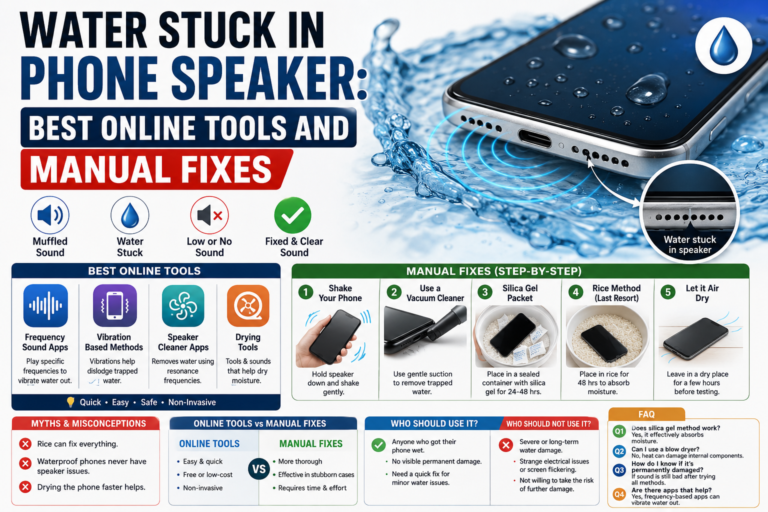
Common Problems This Online Tool Fixes
This online tool is effective for many common audio issues:
- Low speaker volume
- Muffled or unclear sound
- Crackling or distorted audio
- Water stuck inside phone speaker
- Dust blocking speaker grill
- Poor sound during calls or videos
Benefits of Using Fix My Speakers Website
- No app installation required
- Works instantly
- Saves repair costs
- Safe and non-invasive
- Works on any modern browser
- Ideal for emergency water damage situations
Does Fix My Speakers Online Tool Really Work?
Yes, Fix My Speakers works very well when the issue is caused by water, moisture, or dust.
Many users have successfully:
- Restored speaker sound after water exposure
- Improved loudness and clarity
- Avoided expensive repair visits
Important Limitation
The tool cannot fix physical hardware damage such as:
- Burned speaker components
- Broken speaker coils
- Severe internal corrosion
In such cases, professional repair is required.
Fix My Speakers vs Mobile Repair Shop
| Feature | Fix My Speakers Website | Repair Shop |
|---|---|---|
| Cost | Free | Expensive |
| Time | 1–2 minutes | Hours or days |
| Phone Opening | Not required | Required |
| Risk | Very low | Medium |
| Convenience | Very high | Low |
Safety Tips While Using Fix My Speakers
To ensure safe usage:
- Always set volume to maximum.
- Do not use earphones or Bluetooth speakers.
- Keep the speaker uncovered.
- Avoid running sound continuously for long periods.
- Stop if the speaker sounds abnormal.
Supported Devices and Browsers
Fix My Speakers works on:
- Android: Chrome, Edge, Firefox
- iPhone: Safari, Chrome
- Windows & Mac laptops
- Tablets and smart devices
As long as your device can play sound through a browser, the tool will work.
Is Fix My Speakers Website Safe?
Yes, the website is safe to use:
- No downloads
- No permissions
- No personal data required
- Works fully online
Always use the official website and avoid fake copies.
Frequently Asked Questions (FAQs)
Q1: Is Fix My Speakers completely free?
Yes, the tool is 100% free to use.
Q2: How long should I play the sound?
30–60 seconds per session is enough.
Q3: Can I use it on iPhone?
Yes, it works on iPhone through the browser.
Q4: Do I need internet every time?
Yes, since it is a web-based tool.
Q5: Can it damage my speaker?
No, when used properly, it is safe.
Conclusion
Fix My Speakers Online Tool is a fast, free, and effective solution for cleaning mobile speakers affected by water or dust. Without installing any app or opening your phone, you can restore sound clarity in just a few seconds. If your speaker problem is minor and caused by moisture or debris, this online tool can save you time and money. Before going to a repair shop, Fix My Speakers is definitely worth trying.