Fix My Speaker: Remove Water from the Phone Speaker Free
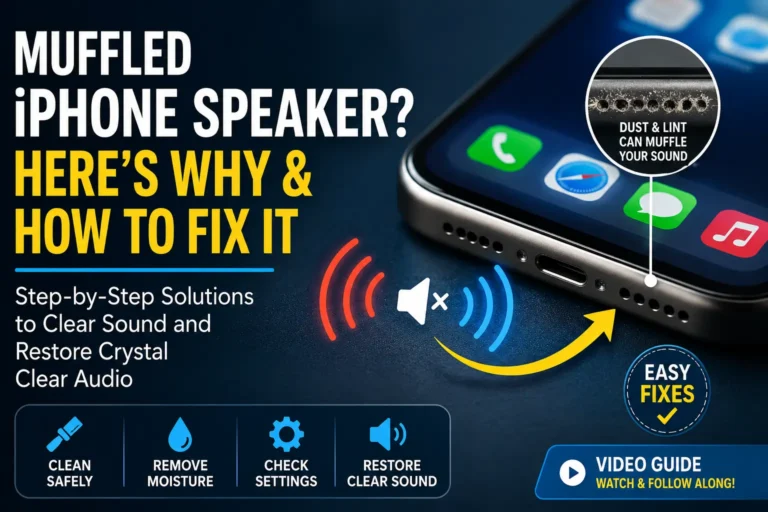
Water inside a phone speaker is a very common problem. It can happen if your phone falls into water, gets wet in rain, or is used in the bathroom or near a sink. When water enters the speaker grill, the sound becomes low, muffled, or distorted. Many people think their phone is damaged, but in most cases, the speaker can be fixed without any cost.
This guide explains everything you need to know about removing water from your phone speaker using a free, safe, and effective online tool. Whether you are dealing with a recent splash or lingering moisture that just will not clear, the steps below will help you restore your audio quality quickly.
Why Water Affects Phone Speakers
Phone speakers have small holes that allow sound to pass through. When water enters these holes, it blocks the sound waves. This causes:
- Low volume: The speaker cannot push sound through water effectively.
- Crackling sound: Water moving around inside creates unpredictable noise.
- No sound at all: In severe cases, the diaphragm cannot vibrate.
If water stays inside for a long time, it may cause corrosion on the metal contacts and delicate electrical components inside the speaker assembly. That is why quick action is very important. The longer you wait, the greater the chance of permanent damage.
How Water Gets Into the Speaker
Water can enter your phone speaker through several common scenarios:
- Dropping your phone in a sink, toilet, or puddle.
- Using your phone in heavy rain without protection.
- Taking your phone into a steamy bathroom during a shower.
- Spilling a drink near your device.
- Using your phone near a swimming pool or at the beach.
Even phones with water resistance ratings can experience speaker issues because the speaker grille must remain open for sound to pass through. This opening is precisely where water enters.
What Happens Inside the Speaker
Inside every phone speaker is a tiny diaphragm that vibrates rapidly to produce sound waves. When water surrounds this diaphragm, it cannot move freely. The result is muffled audio — the diaphragm is essentially trying to vibrate underwater. Additionally, water can bridge electrical contacts that should remain separate, creating crackling or static sounds. Over time, this moisture leads to oxidation, which permanently damages the speaker components.
How “Fix My Speaker” Helps
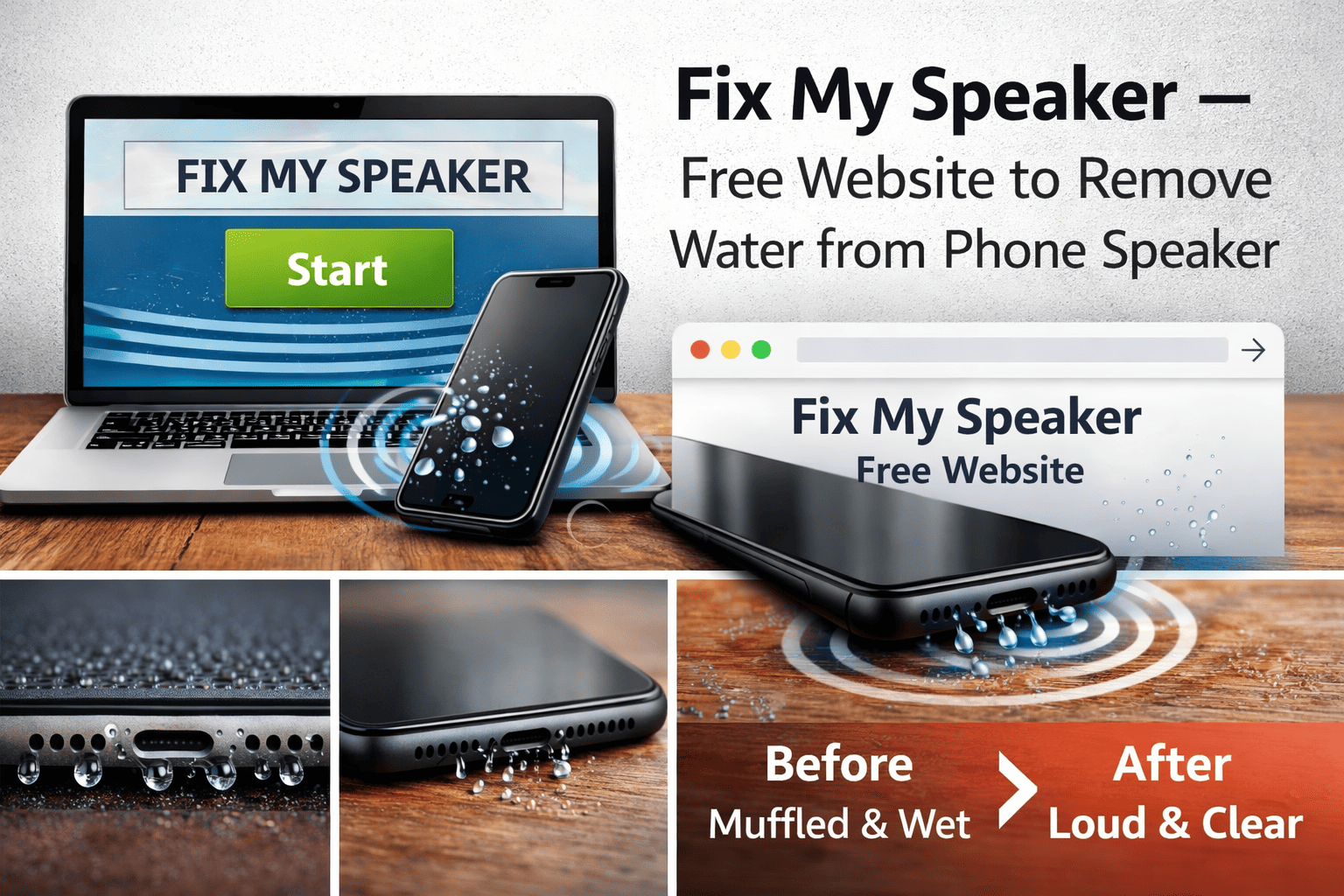
Fix My Speaker is a free online solution that helps remove water from phone speakers using sound vibrations. It plays special low-frequency audio that pushes water droplets out of the speaker grill safely.
The Science Behind Sound-Based Water Ejection
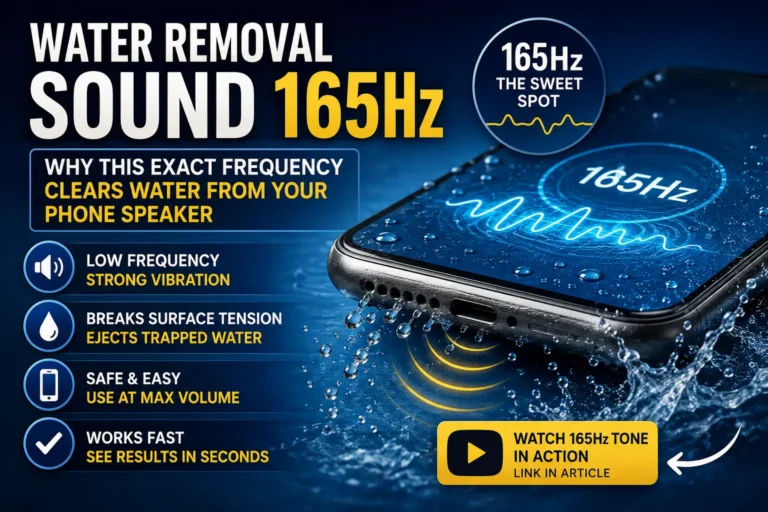
Sound travels as waves through air and materials. When a specific low-frequency tone — typically around 165Hz — is played through a speaker, it causes the diaphragm to vibrate with maximum physical movement. This strong vibration literally shakes water droplets loose from the speaker mesh and internal chamber, pushing them toward the opening where they can drain out.
This is the same principle used by popular smartwatches that feature built-in water ejection modes. The technology is proven, safe, and requires no physical contact with the device.
This method is:
- Free to use: No hidden charges or premium versions.
- No app installation required: Works directly from any web browser.
- Safe for Android and iPhone: Compatible with all major smartphone brands.
- Works within minutes: Most cases improve after a single session.
Why This Is Better Than Old Methods
Traditional advice like putting your phone in rice is slow, messy, and often ineffective. Rice absorbs moisture gradually but does nothing to actively push water out. Sound-based ejection, by contrast, actively forces water out within minutes — before it has time to cause corrosion or damage.
How to Use Fix My Speaker (Step-by-Step)
Follow these steps carefully for the best results:
Step 1: Increase Your Phone Volume to Maximum
Open your phone’s settings and set the media volume to 100%. The louder the sound, the stronger the vibration, and the more effective the water ejection will be.
Step 2: Place Your Phone Speaker Facing Down
Position your phone so the speaker grille points directly toward the floor or a paper towel. Gravity helps the water drain out once the vibrations loosen it.
Step 3: Play the Water Eject Sound
Visit the Fix My Speaker website using any browser. Tap the play button to begin the low-frequency water ejection tone. You will hear a deep, vibrating sound — this is normal and exactly what pushes the water out.
Step 4: Let It Run for 1 to 3 Minutes
Allow the sound to play continuously for at least one minute. For more stubborn moisture, extend to three minutes. You may see tiny water droplets appearing near the speaker opening during this time.
Step 5: Stop and Check the Sound Quality
After the cycle completes, pause the sound and test your speaker by playing a song or video. Listen for clarity and volume. If the sound has improved but is not yet perfect, that is normal — some moisture may still remain deeper inside.
Step 6: Repeat If Necessary
If the sound is still not clear, repeat the process one or two more times. Each cycle pushes out additional moisture. Most cases resolve within three sessions. You may notice small water drops coming out of the speaker holes with each repetition.
Important Safety Tips
- Do NOT use a hair dryer — heat can damage internal components and warp the speaker diaphragm.
- Do NOT shake the phone aggressively — this can push water deeper into the device.
- Do NOT insert pins, needles, or toothpicks into the speaker grill — this can puncture the delicate diaphragm.
- Avoid charging the phone until it is fully dry — electricity and moisture create short circuit risks.
What About Rice?
The rice method has been popular for years, but it is not recommended. Rice absorbs moisture very slowly and leaves behind starchy dust that can enter your phone’s ports and speaker openings. Silica gel packets are far more effective and leave no residue.
When This Method Works Best
Fix My Speaker works best when:
- Water entered recently: The sooner you act, the better the outcome.
- Speaker sound is muffled but not completely dead: If the speaker still produces some sound, it can likely be restored.
- Phone was exposed to clean water: Fresh water evaporates cleanly without leaving residue.
When to Seek Professional Help
If your phone fell into salt water, stayed wet for many hours, or shows no sign of improvement after several cleaning cycles, professional repair may be required. Salt water leaves corrosive residue that sound alone cannot remove. A technician can disassemble the device and clean the internal components properly.
Extra Drying Tips (Optional)
For best results, combine the sound ejection method with these additional steps:
Use Silica Gel Packets
Silica gel is the most effective moisture absorber available. Place your phone in a sealed container with 4-5 silica gel packets for 24 hours. This pulls moisture from deep inside the device that sound alone may not reach.
Keep the Phone in a Dry Place With Airflow
Position your phone near a fan on low speed. Moving air accelerates evaporation significantly. Avoid direct sunlight, which can overheat the battery.
Keep Speaker Side Facing Downward
Gravity helps. Even after using the sound tool, keeping the phone positioned speaker-down allows any remaining moisture to drain naturally.
Avoid Using Rice
Rice is slow and can leave dust particles inside the phone. Silica gel is far more effective and completely clean.
Is Fix My Speaker Really Free?
Yes.
Fix My Speaker is a completely free website. No sign-up, no payment, and no installation required. There are no premium versions, no hidden fees, and no subscriptions. The tool is accessible from any browser on any device, making it one of the most convenient solutions available.
Compatibility With Different Devices
Fix My Speaker works on a wide range of devices:
- iPhone: All models including iPhone 15, 14, 13, 12, 11, X, and SE.
- Android: Samsung Galaxy, Google Pixel, OnePlus, Xiaomi, Oppo, Vivo, and more.
- Tablets: iPad, Samsung Galaxy Tab, and other tablets with built-in speakers.
- Laptops: MacBook, Windows laptops, and Chromebooks.
- Wearables: Apple Watch, Samsung Galaxy Watch, and other smartwatches.
- Bluetooth Speakers and Earbuds: JBL, Sony, AirPods, and similar devices.
The tool works universally because it relies on standard audio playback through any speaker system.
Frequently Asked Questions
How many times should I run the water eject sound?
For light moisture, 1-2 sessions of 1-3 minutes each are usually sufficient. For heavier water exposure, run 3-5 sessions until the sound quality returns to normal.
Can this method damage my speaker?
No. The frequencies used are within the safe operating range of all phone speakers. The tool uses the same principle that manufacturers themselves employ for water ejection.
Does this work for saltwater?
The sound tool helps eject the liquid, but saltwater leaves corrosive residue behind. After using the tool, rinse the speaker area gently with fresh water, then run the tool again to eject the fresh water. Seek professional help if issues persist.
Will this void my warranty?
No. The tool uses only sound waves from outside the device. It does not require opening the phone or modifying any software, so your warranty remains intact.
Can I use this while my phone is charging?
No. Always unplug your phone before using any water ejection method. Electricity and moisture are a dangerous combination.
Conclusion
If your phone speaker sounds unclear after water exposure, you do not need an app or paid repair immediately. The Fix My Speaker website is a simple and free solution that helps remove water using sound vibrations. It is safe, easy to use, and works directly from your browser.
Water in your speaker does not have to mean permanent damage. By acting quickly and using the right tool, you can restore clear, loud audio in just a few minutes — without spending any money or visiting a repair shop. Keep this guide handy for the next time your phone takes an unexpected dip, and remember: speed matters, the right method matters more, and Fix My Speaker delivers both.