How to Test If Your Phone Speaker Is Working Properly
A properly working phone speaker is essential for calls, music, videos, notifications, and everyday use. When sound becomes muffled, distorted, or completely silent, it can affect your entire mobile experience.
This guide explains simple and reliable ways to test your phone speaker, identify common problems, and understand how those issues can be fixed. These steps are easy to follow and do not require technical knowledge.
Perform a Basic Sound Test
The easiest way to test your phone speaker is by playing audio and carefully listening to its quality.
Play Audio from Multiple Sources
Open different apps such as YouTube, Spotify, Apple Music, or your phone’s default media player. Try music, videos, and podcasts. If sound works in one app but not another, the issue may be software-related rather than a speaker problem.
Test Different Volume Levels
Use the volume buttons to slowly increase and decrease sound:
- Low volume: Sound should still be audible and clear.
- High volume: There should be no crackling, buzzing, or distortion.
Sudden distortion at higher levels may indicate speaker damage or blockage.
Check Sound Quality
Listen carefully to different audio elements:
- Bass: Deep sounds should not rattle.
- Treble: High sounds should remain clear.
- Voices: Speech should be easy to understand.
Test in a quiet room first, then in a noisy environment to judge speaker strength.
Use Your Phone’s Built-In Speaker Test
Many smartphones include diagnostic tools that can test hardware components.
On Android Devices
Some Android phones allow access to diagnostics by dialing *#0*# in the phone app (works on many Samsung models).
- Select Speaker.
- A test tone will play.
- Listen for clarity and consistent volume.
If the test tone sounds weak or distorted, the speaker may have an issue.
Test the Speaker During a Call
Make a phone call and switch to speaker mode.
- Place the phone on a table.
- Listen for clear voice output.
- Check if volume drops or sound cuts out.
Call audio problems often reveal real-world speaker performance issues that music playback may not expose.
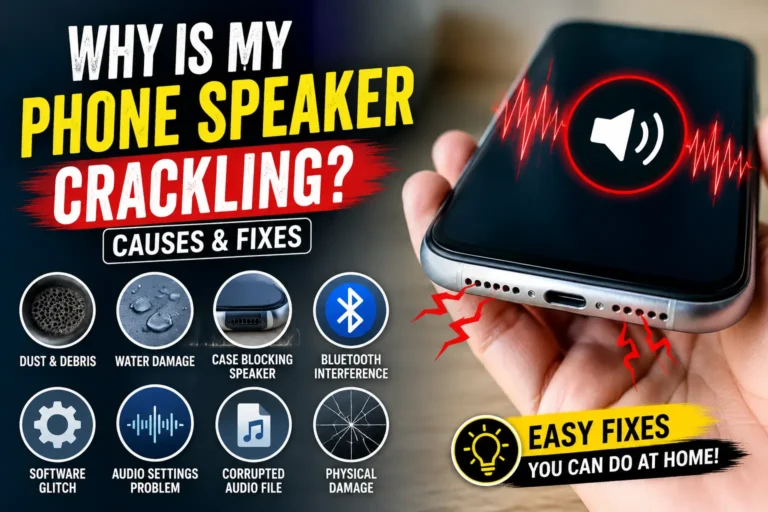
Check for Dust or Water Blockage
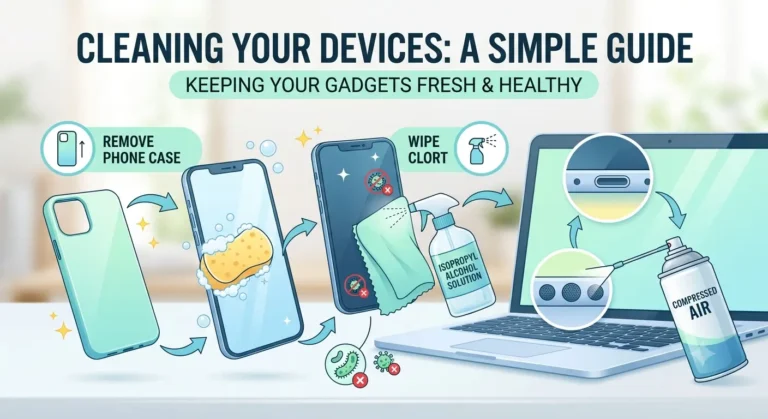
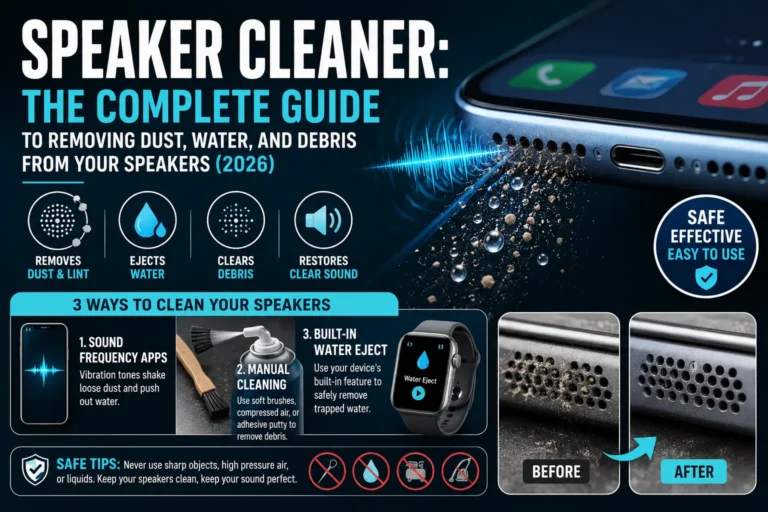
Speaker grills easily collect dust and moisture over time.
Inspect the speaker area closely for:
- Dust buildup
- Lint
- Water residue
Even small blockages can reduce sound quality significantly. A visual inspection under good lighting can reveal debris that is invisible at a glance.
Compare with Headphones or Bluetooth
Connect wired headphones or Bluetooth earbuds and play the same audio.
- Clear sound in headphones but not from the phone speaker usually confirms a speaker issue.
- Poor sound everywhere may point to software or audio settings problems.
This comparison is one of the quickest ways to isolate whether the speaker hardware is at fault.
Use a Speaker Test Sound Tool
Sound-based vibration tests can help detect and fix minor speaker issues.
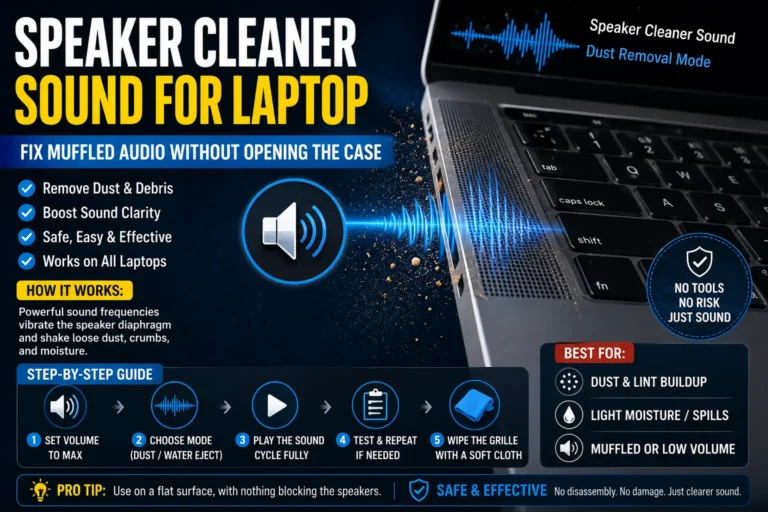
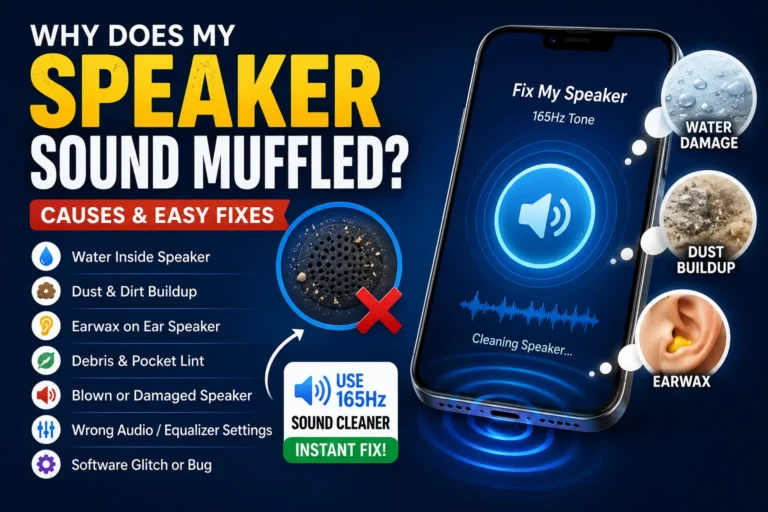
Tools like FixMySpeaker use safe sound frequencies that create vibrations to help push out trapped water or loosen dust from the speaker grill. This method is especially useful after accidental water exposure.
Many users notice improved sound clarity within seconds. The tool works directly from any browser, requires no installation, and is completely free to use.
Restart Your Phone
Temporary software glitches can affect audio output in unexpected ways.
- Restart your device.
- Test the speaker again.
This simple step often resolves minor sound issues that have no physical cause.
Check Audio and Accessibility Settings
Incorrect settings can make a working speaker seem faulty.
Check the following:
- Sound balance: Ensure the left-right balance is centered.
- Accessibility audio options: Mono audio or hearing aid settings can alter output.
- Do Not Disturb mode: Confirm notifications are not silenced.
Make sure audio output is properly configured before concluding the speaker is damaged.
When Is Professional Repair Needed?
You may need professional help if:
- No sound plays at all after trying all tests.
- Audio is severely distorted at all volume levels.
- Speaker does not respond to any test or cleaning method.
In many cases, however, speaker problems are caused by dust, water, or settings — not permanent damage. Exhaust the free, simple solutions before considering paid repairs.
Final Thoughts
Testing your phone speaker is quick and easy when you know what to check. By using basic audio tests, system diagnostics, and sound vibration tools, you can identify most speaker problems without visiting a repair shop.
Before spending money on repairs, always test thoroughly. Many sound issues can be fixed in minutes with the right approach — saving you time, money, and frustration.