Speaker Cleaner App vs Professional Repair: Which One Is Worth Your Money?
Your phone speaker sounds muffled, tinny, or like it is underwater, and you are staring at two very different paths forward. One is a free app you can download in seconds. The other means driving to a repair shop and possibly paying real money to fix it. So which one should you actually trust?
This guide breaks down exactly what speaker cleaner apps can and cannot do, what professional repair actually costs, and how to figure out which route makes sense for your specific situation before you spend a single dollar.
Why Phone Speakers Get Clogged or Muffled in the First Place
Before comparing solutions, it helps to understand the problem. Speaker issues usually come from one of a few root causes:
- Dust and lint buildup inside the speaker mesh, especially common if you carry your phone in a pocket or bag without a case.
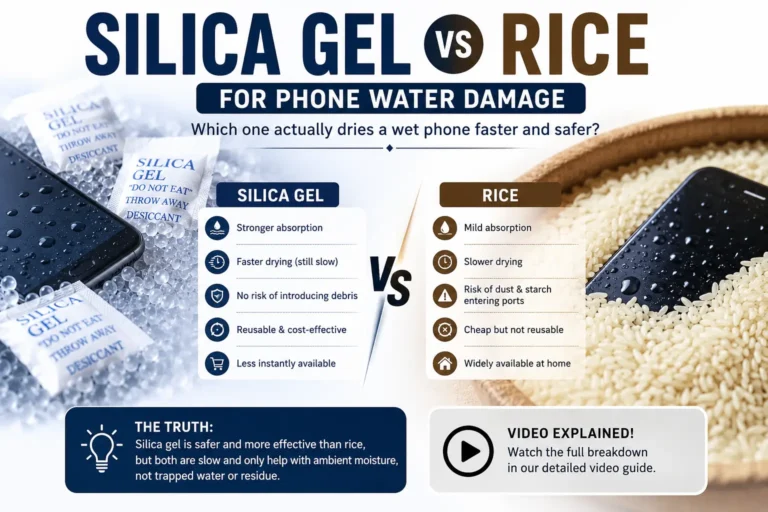
- Water or moisture trapped behind the grille after a splash, spill, or humid environment.
- Earwax or debris in the earpiece speaker from regular phone calls.
- Physical damage to the speaker diaphragm from a drop, pressure, or age-related wear.
- Software glitches that mimic hardware problems, like a stuck audio setting or corrupted system file.
The fix that actually works depends entirely on which of these is causing your issue, and that is exactly where the app vs professional repair decision gets tricky.
What Are Speaker Cleaner Apps, and How Do They Work?
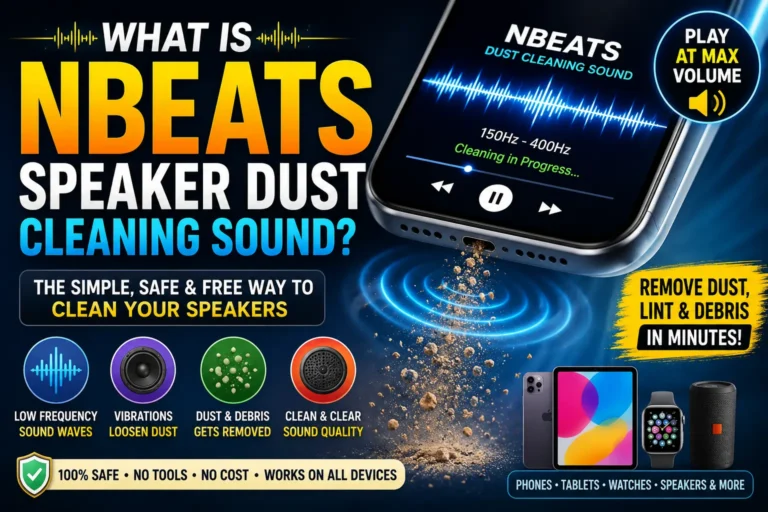
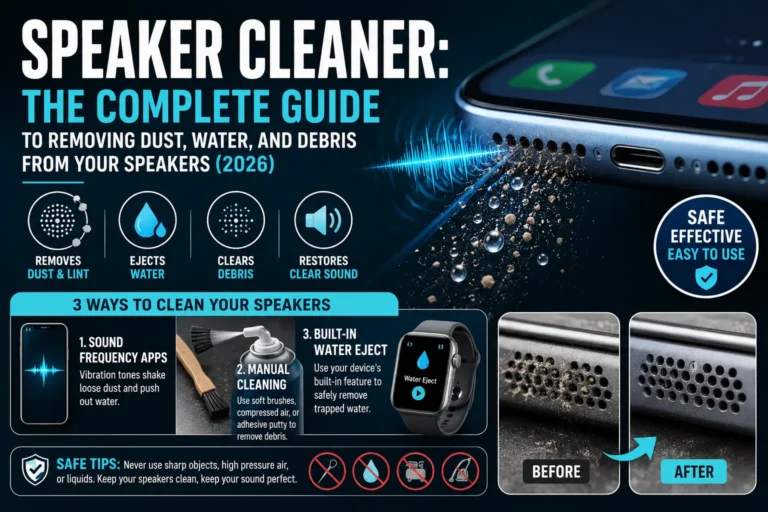
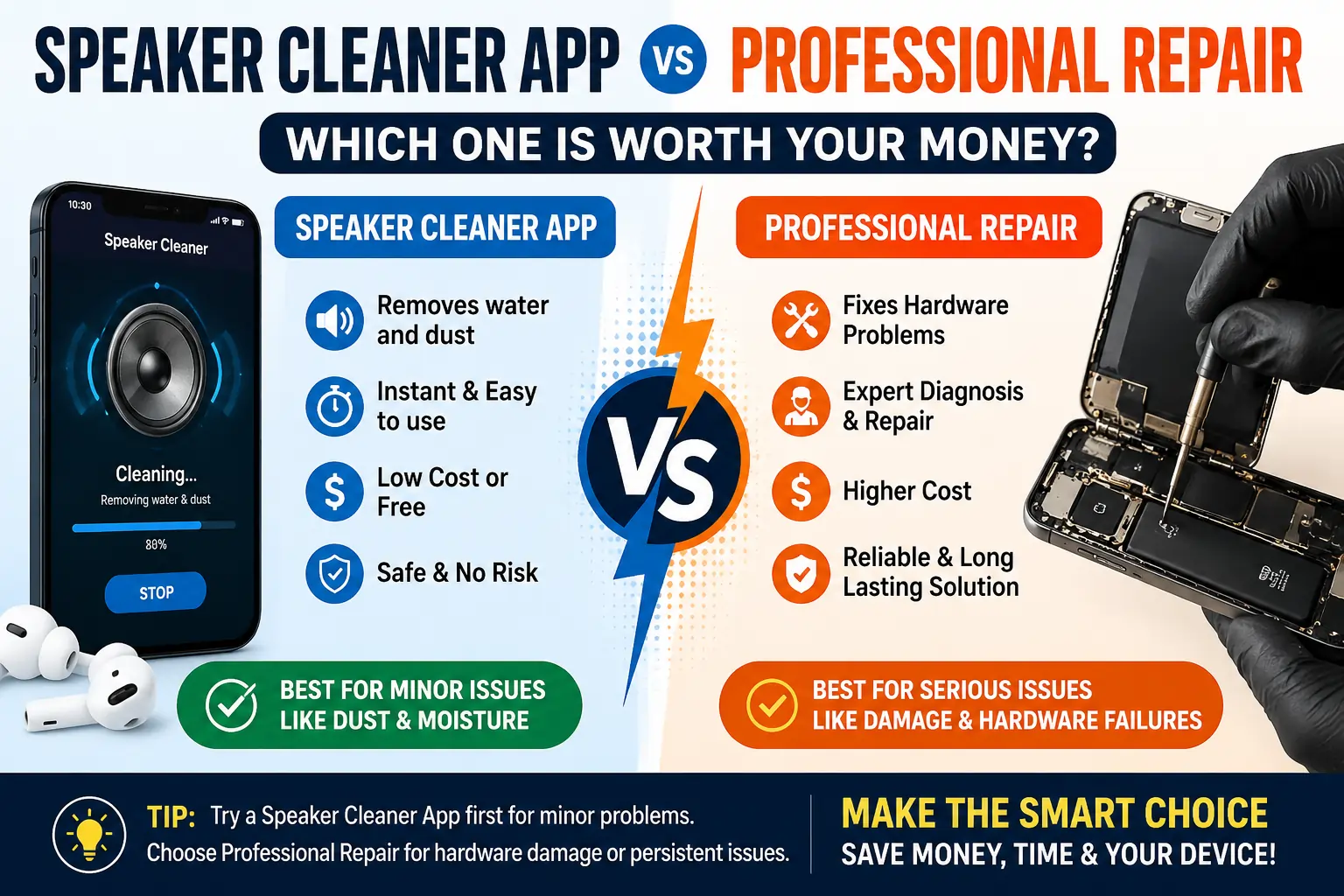
Speaker cleaner apps are free or low-cost mobile applications that claim to clean or unclog your phone speaker without opening the device. Most of them rely on one of two techniques:
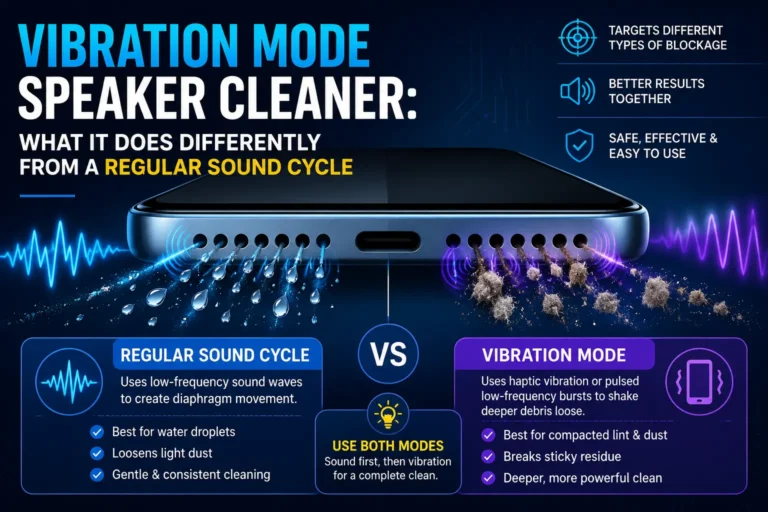
- Sound-based vibration, where the app plays a specific low-frequency tone designed to vibrate the speaker diaphragm and physically shake loose dust or water droplets.
- Guided cleaning prompts, where the app walks you through manually cleaning your speaker with a soft brush or cloth while playing supporting audio cues.
These apps are typically instant, free, and require zero technical skill. You open the app, tap a button, and let your phone do the rest.
What Speaker Cleaner Apps Are Actually Good At
Sound-vibration apps are genuinely effective for a specific type of problem: loose debris and trapped moisture. The same principle is used by major manufacturers — Apple Watch has a built-in water-eject shortcut that plays a similar tone after swimming, which shows this is not just a gimmick. When water or light dust is sitting on the surface of your speaker’s diaphragm, the right frequency can shake it loose and improve sound clarity within minutes.
What Speaker Cleaner Apps Cannot Fix
Here is the part most app descriptions conveniently leave out. A cleaner app cannot:
- Repair a torn or blown speaker diaphragm.
- Fix water damage that has already reached internal circuitry.
- Remove hardened, compacted debris lodged deep inside the speaker housing.
- Resolve issues caused by a damaged charging port, logic board, or audio chip.
- Undo corrosion from long-term moisture exposure.
If your speaker issue is mechanical or electrical rather than surface-level, no amount of vibration or app-based cleaning will solve it. Using one in that situation just delays the inevitable trip to a repair shop.
What Does Professional Speaker Repair Actually Cost?
This is where most people hesitate, understandably. Repair costs vary depending on your phone model, the extent of the damage, and whether you go through the manufacturer, a third-party shop, or your carrier’s protection plan.
Typical Cost Ranges
| Repair Type | Estimated Cost Range |
|---|---|
| Basic speaker cleaning (professional) | $20–$40 |
| Speaker replacement (budget/mid-range phone) | $40–$80 |
| Speaker replacement (flagship phone) | $80–$150 |
| Water damage diagnostic | $30–$60 |
| Full water damage repair (motherboard-level) | $100–$300+ |
| Manufacturer out-of-warranty repair | Often higher than third-party shops |
Keep in mind these numbers shift based on your location, the repair shop’s reputation, and current parts availability. Flagship phones with sealed, glued components (common in recent iPhone and Samsung models) tend to cost more because repair technicians need specialized tools to open the device without causing further damage.
What You Are Actually Paying For
A big part of the repair cost is not just the replacement part — it is the labor, diagnostics, and expertise needed to identify the actual root cause. A good technician will:
- Run a full diagnostic to confirm whether it is really a speaker issue or something else entirely.
- Check for corrosion or additional water damage you cannot see from the outside.
- Replace only the damaged component instead of guessing.
- Test the repair before handing your phone back.
That diagnostic step alone often justifies the cost, because it prevents you from throwing money at the wrong fix.
Speaker Cleaner App vs Professional Repair: Side-by-Side Comparison
| Factor | Speaker Cleaner App | Professional Repair |
|---|---|---|
| Cost | Free | $20–$300+ |
| Time required | 1–5 minutes | Same-day to a few days |
| Effectiveness on dust/light moisture | High | High |
| Effectiveness on hardware damage | None | High |
| Risk of making things worse | Very low | Low (with reputable shop) |
| Diagnostic accuracy | None | High |
| Warranty impact | None | Varies by shop/manufacturer |
| Best for | Everyday buildup, minor splashes | Physical damage, deep water exposure, persistent issues |
How to Decide Which Option Is Right for You
Rather than guessing, walk through this quick mental checklist:
Try a Speaker Cleaner App First If:
- The sound issue appeared suddenly after a light splash or exposure to dust.
- Your phone otherwise works completely fine — no charging issues, no visible damage.
- You have not dropped or physically stressed the device recently.
- The muffled sound is inconsistent (comes and goes, or improves when you tap the phone).
Skip Straight to Professional Repair If:
- Your phone was fully submerged in water for more than a few seconds.
- You have already tried a cleaner app multiple times with no improvement.
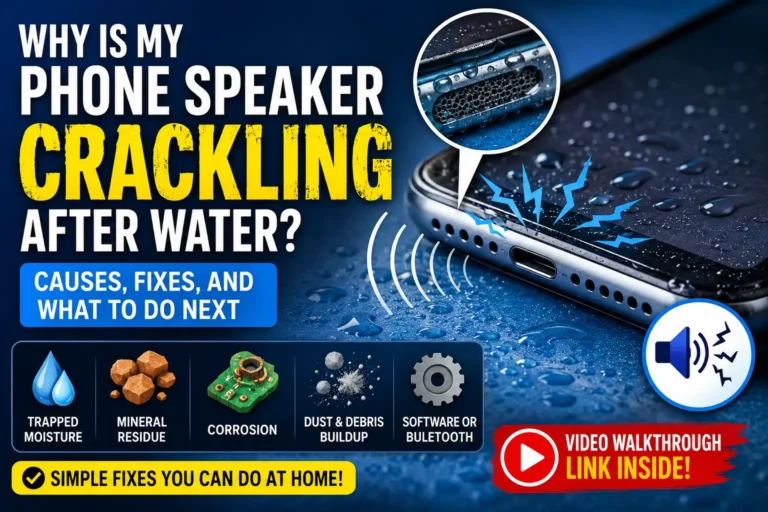
- There is crackling, popping, or complete silence from the speaker.
- You notice other symptoms too, like charging problems, screen flicker, or overheating.
- The phone was recently dropped or shows visible cracks near the speaker.
A Smart Middle-Ground Approach
You do not have to pick one path and commit blindly. A reasonable strategy that saves both time and money looks like this:
- Start with a free speaker cleaner app. It costs nothing and takes minutes, so there is no real downside to trying it first.
- Give it two or three attempts across a few hours, since trapped moisture sometimes needs repeated sessions to fully clear.
- Test your speaker with a phone call, video, or music playback after each attempt.
- If there is zero improvement after multiple tries, stop experimenting and book a professional diagnostic instead of continuing to guess.
- Get a repair quote before committing. Reputable shops will diagnose the issue and give you a cost estimate before doing any paid work.
This approach avoids two common mistakes: paying for repairs you did not actually need, and stubbornly relying on an app when the real problem is mechanical.
Red Flags That Mean It Is Time for a Professional
Even if you are tempted to keep troubleshooting on your own, certain signs mean it is time to stop and see a technician:
- Visible corrosion near the speaker grille or charging port.
- A burning smell or unusual heat coming from the phone.
- Sound that gets progressively worse rather than better over time.
- Any liquid damage indicator inside the SIM tray showing it has been triggered (most phones have one).
- The phone will not charge properly in addition to the speaker issue.
Ignoring these signs and continuing to rely on a cleaning app can sometimes make the underlying problem worse, especially with water damage, where corrosion spreads the longer it is left untreated.
Frequently Asked Questions
Can a speaker cleaner app damage my phone?
Generally, no. These apps rely on standard audio playback through your existing speaker, so there is no real risk when used as intended. The main risk is not damage — it is false confidence that delays a repair you actually need.
How much does it typically cost to replace a phone speaker?
Most speaker replacements fall between $40 and $150 depending on your phone model, with flagship devices trending toward the higher end due to more complex assembly.
Is it worth paying for a diagnostic if I am not sure what is wrong?
Yes. A diagnostic, usually $30 to $60, can save you from paying for the wrong repair, especially if the issue is not actually the speaker but something like a software glitch or a different hardware component.
Do speaker cleaner apps work on both iPhone and Android?
Yes. The underlying vibration principle works on any phone with a standard speaker, regardless of operating system.
Will my phone’s warranty cover speaker repair?
It depends on the cause. Manufacturer defects are often covered, but water damage and drops usually are not, unless you have additional accidental damage protection through your carrier or a third-party plan.
How do I know if it is a hardware issue versus a software issue?
Try restarting your phone and testing sound through different apps (calls, music, videos). If the issue is consistent across everything and does not change after a restart, it is more likely hardware-related and worth professional attention.
Final Verdict
For everyday dust, light splashes, and minor sound distortion, a free speaker cleaner app is genuinely worth trying first — it costs nothing, takes only minutes, and is backed by real audio engineering principles used by major phone manufacturers. But once you are dealing with real water damage, physical impact, or a speaker that shows no improvement after a few honest attempts, continuing to rely on an app is just delaying a fix that a professional can actually deliver.
The smartest approach is not choosing one over the other — it is knowing when to stop troubleshooting and start trusting an expert with the right tools to finish the job properly.