How to Clean Your Earbuds the Right Way: A Complete Step-by-Step Guide
Dirty earbuds do not just look unappealing — they can degrade sound quality, cause ear discomfort, and even lead to infections. Whether you use AirPods, JBL, Bose, or Pixel Buds, learning how to clean your earbuds properly can extend their lifespan and improve your listening experience.
In this guide, you will learn how to clean your earbuds step by step, what to avoid, and how to maintain them long-term without damaging delicate components like the speaker mesh or charging case.
Why Cleaning Your Earbuds Matters
Hygiene & Health Risks
Over time, earbuds accumulate earwax, sweat, and bacteria. When left uncleaned, this buildup can block the speaker ports, cause ear irritation, or even lead to infections. According to experts, cleaning earbuds regularly helps maintain ear hygiene and prevents sound distortion.
Sound Quality and Device Lifespan
A clogged earbud mesh reduces airflow and sound output. Removing grime and debris from the speaker nozzle ensures crisp audio and protects your earbuds’ internal components. Plus, regular maintenance helps prevent corrosion on charging contacts.
What You Will Need to Clean Earbuds: Cleaning Tools & Supplies
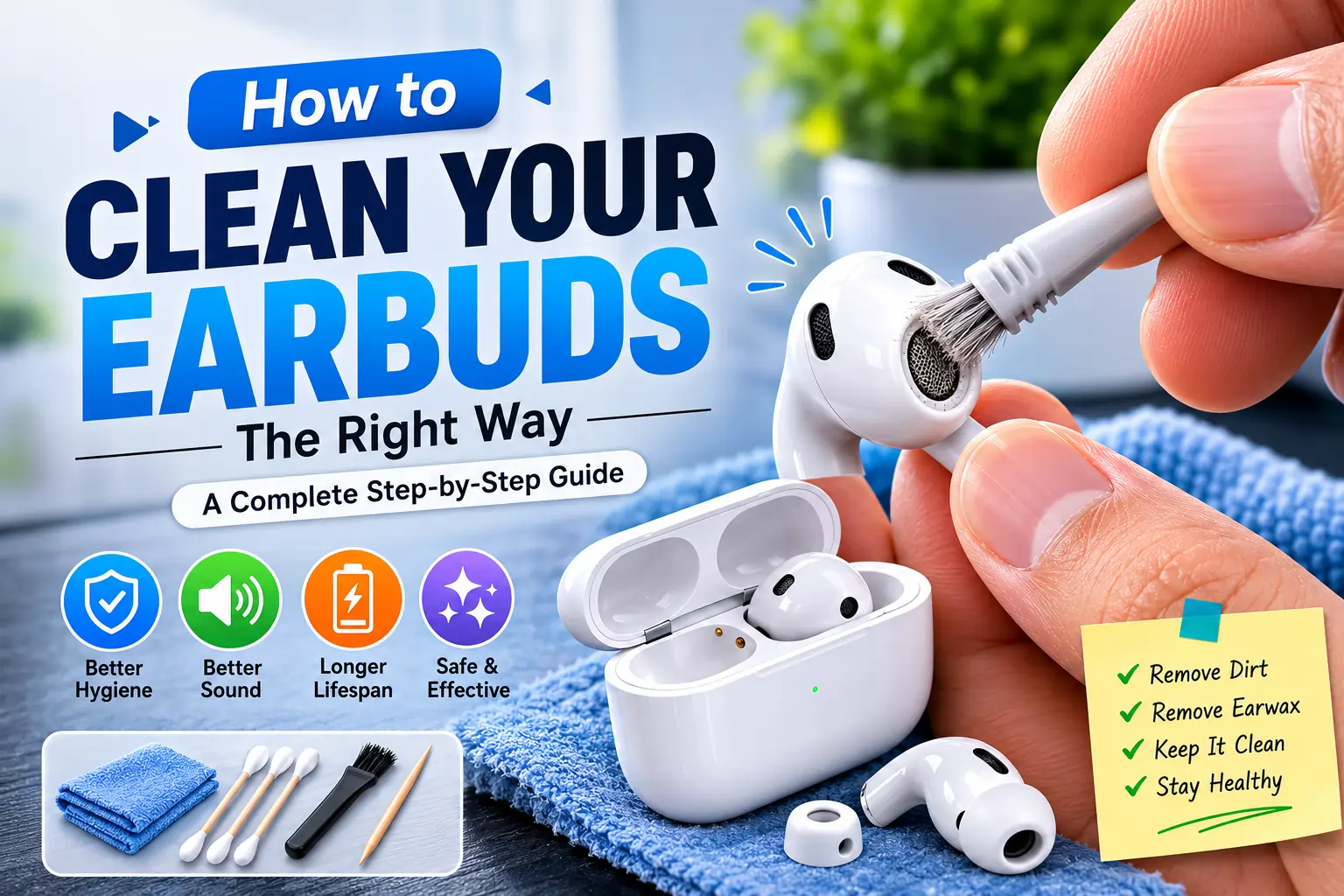
Before you start, gather these gentle tools and cleaning materials to clean your earbuds:
- Soft microfiber cloth
- Cotton swabs or a soft brush
- Mild soap and warm water
- Alcohol-free disinfectant wipes
- A toothpick or soft wooden stick (for removing stubborn debris)
- Optional: Compressed air (for mesh cleaning)
Avoid: Harsh chemicals, alcohol on sensitive parts, or fully submerging earbuds in water. These can damage internal circuits.
Step-by-Step: Cleaning Your Earbuds
Step 1: Remove the Ear Tips
If your earbuds have silicone or foam ear tips, gently remove them. These can often be cleaned separately with warm, soapy water. Rinse well and let them dry completely before reattaching.
Step 2: Clean the Ear Tips
- Silicone tips: Soak in warm soapy water for a few minutes, rinse, and air dry.
- Foam tips: Wipe gently with a damp cloth — avoid soaking.
Step 3: Clean the Speaker Mesh / Nozzle
Use a dry soft-bristled brush or a toothpick to loosen earwax and dust. Then, gently wipe with a microfiber cloth. If needed, lightly dampen the cloth — never the mesh directly.
Step 4: Wipe Down the Outer Body
Use an alcohol-free wipe or slightly damp cloth to clean the body of each earbud. Avoid moisture entering any openings.
Cleaning the Charging Case & Contacts
Your charging case can trap lint and dirt, especially inside the connector ports.
- Use a dry cotton swab to clean around the charging pins.
- Wipe the exterior with a soft, slightly damp cloth.
- Avoid letting liquid drip inside the charging holes.
Regularly cleaning the case helps maintain battery performance and prevents magnetic contact issues.
Frequency & Maintenance Routine
- Weekly: Wipe down earbuds and case after each workout or long use.
- Monthly: Do a full clean (as above) including ear tips and mesh.
Pro tip: Store your earbuds in their case when not in use to avoid dust and moisture exposure. If you use your earbuds during workouts or outdoors, consider cleaning them more often — sweat and oils accelerate buildup.
Common Mistakes & What to Avoid
- ❌ Do not submerge earbuds or charging case in water.
- ❌ Do not use alcohol or bleach on speaker meshes.
- ❌ Do not push sharp tools into the speaker holes.
- ❌ Avoid blowing compressed air directly into openings — it can force debris inside.
Instead, always stick to gentle wiping and brushing methods.
Frequently Asked Questions
How often should I clean my earbuds?
Lightly clean weekly and deep clean monthly — or more often if you use them during workouts.
Can I use alcohol wipes?
Alcohol-free disinfectant wipes are safer for the outer body. Avoid using alcohol directly on the speaker mesh, as it can degrade the delicate membrane.
Will cleaning improve sound quality?
Yes. Removing earwax and debris from the speaker mesh restores clarity, volume, and overall audio performance.
What if my earbuds are waterproof?
Even waterproof earbuds need regular cleaning. While they can withstand moisture, debris buildup still affects sound quality and hygiene. Follow the same gentle cleaning methods.
Conclusion
Keeping your earbuds clean is a simple habit that improves hygiene, extends battery life, and enhances sound clarity. A few minutes of regular maintenance can save you from costly replacements — and cleaner sound means a better listening experience every time.
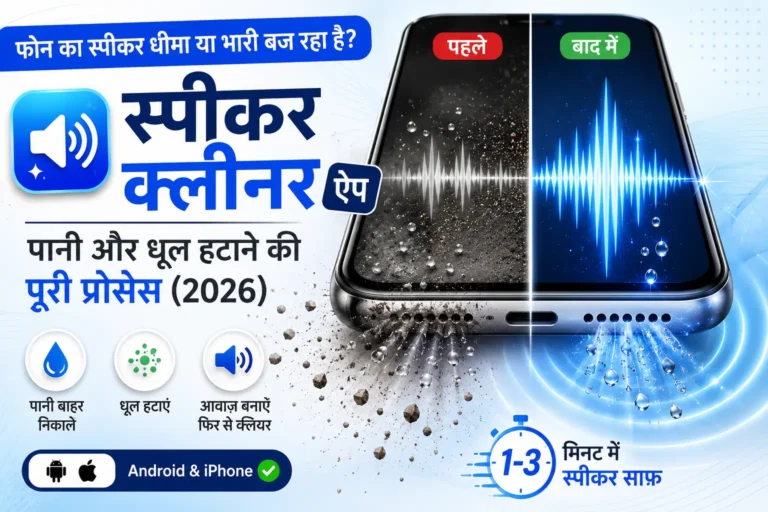
If you are also looking to clean your phone or speaker system, try our water and dust removal tool — it uses sound frequencies to safely remove trapped water and dust from speakers.