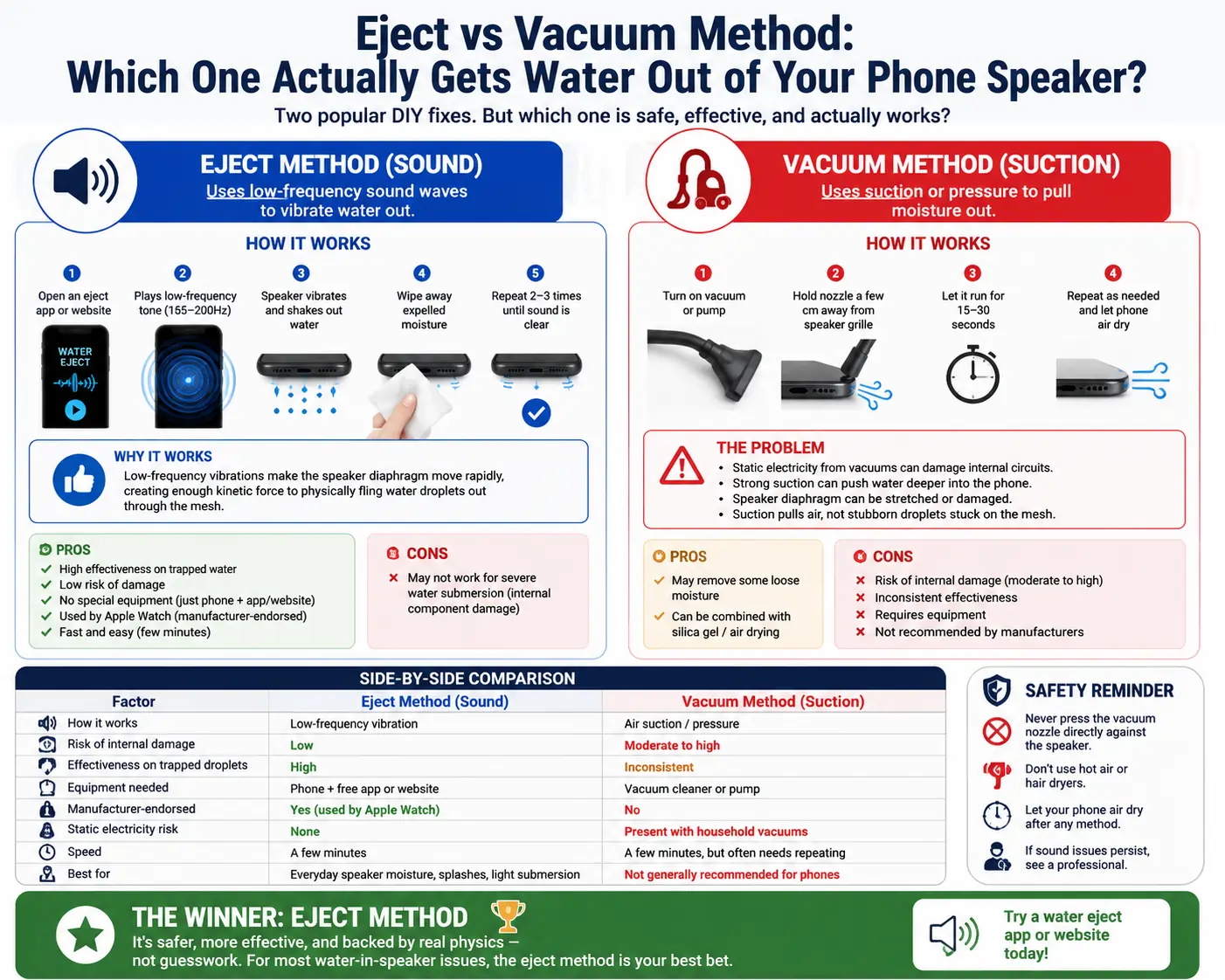
Eject vs Vacuum Method: Which One Actually Gets Water Out of Your Phone Speaker?
You dropped your phone in the pool, spilled coffee near the speaker grille, or got caught in the rain without a case. Now your phone’s audio sounds muffled, crackly, or completely silent from one speaker. Before you panic and rush to a repair shop, you have probably come across two popular DIY fixes floating around the internet: the eject method and the vacuum method.
Both promise to pull trapped water out of your phone speaker without opening the device. But do they actually work the same way? And more importantly, which one should you trust with your expensive smartphone?
In this guide, we will break down exactly how each method works, the science (or lack of it) behind them, and which one is genuinely worth your time.
Why Water Gets Trapped in Phone Speakers in the First Place
Modern smartphones are not fully waterproof — most are only water resistant, rated with an IP (Ingress Protection) code like IP67 or IP68. That rating tells you how long and how deep a phone can survive submersion, not that it is immune to water damage.
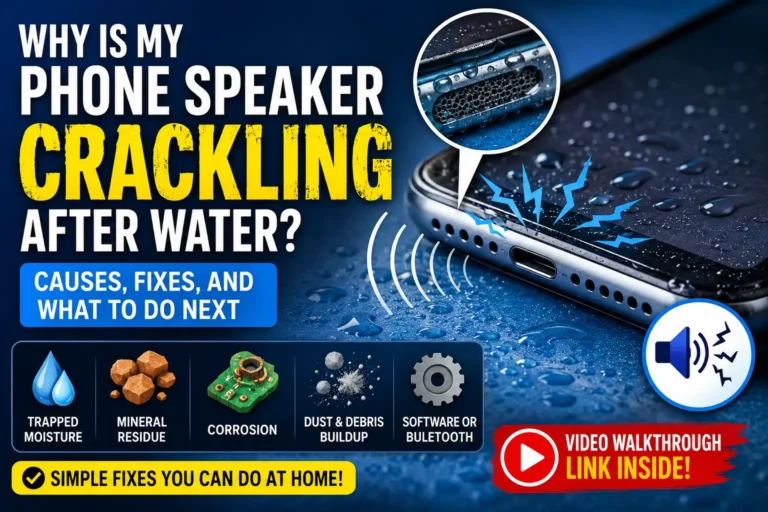
Speaker grilles are tiny mesh openings designed to let sound out. Unfortunately, that same design lets water droplets sneak in. Once moisture settles behind the mesh, it can:
- Muffle or distort sound output
- Cause popping or crackling noises
- Trigger a “moisture detected” warning on your charging port
- Lead to corrosion if left untreated for too long
The good news is that in most cases, water sitting in a speaker cavity is not an emergency. It just needs to be coaxed out before it causes lasting damage — and that is exactly where the eject and vacuum methods come in.
What Is the Eject Method?
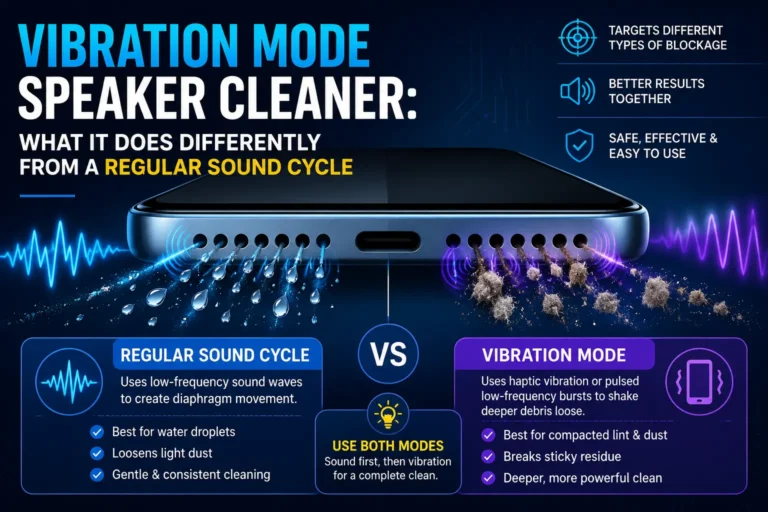
The eject method uses sound frequencies, not suction, to physically shake water out of your speaker. It is based on a real phenomenon: when a speaker vibrates at a specific low frequency, it can push water droplets out of the mesh through rapid oscillation, almost like a mini earthquake for the water molecules sitting on the diaphragm.
This is not some random internet myth, either. Apple built this exact feature into the Apple Watch, where a built-in shortcut plays a tone that vibrates water out of the speaker after a swim. Android users have similarly relied on apps and web-based tools that generate the same kind of low-frequency audio (usually somewhere between 165Hz and 200Hz) to replicate the effect on phones.
How the Eject Method Works, Step by Step
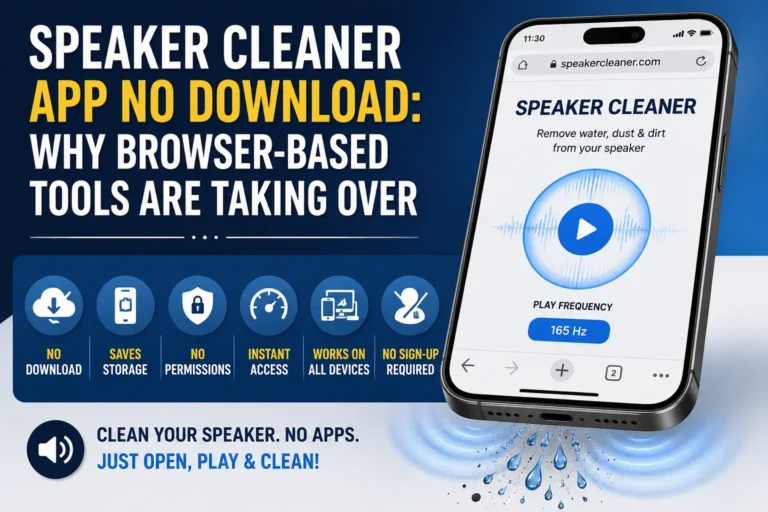
- You open an app or website designed for water ejection (many are free and require no download).
- The tool plays a pulsing low-frequency tone through your phone’s speaker.
- The speaker diaphragm vibrates rapidly, physically flinging water droplets outward through the mesh.
- You wipe away the expelled moisture with a soft, dry cloth.
- You repeat the process two or three times until sound clarity returns to normal.
Why the Eject Method Actually Makes Sense
The eject method works with the physics of how a speaker is built, not against it. A speaker is essentially a small motor with a moving diaphragm. When that diaphragm vibrates at the right frequency and amplitude, it generates enough kinetic force to physically displace tiny amounts of trapped liquid. It is the same basic idea as shaking a wet dog off its own fur, just miniaturized and controlled.
Because this method does not involve suction, pressure changes, or anything invasive, it is considered one of the safest DIY techniques for a phone speaker.
What Is the Vacuum Method?
The vacuum method takes the opposite approach. Instead of vibrating water out, it claims to use suction — whether from a household vacuum cleaner, a specialized phone-drying pump, or even a person sucking through a straw pressed to the speaker grille — to pull moisture out of the cavity.
The idea sounds logical on the surface: create low pressure near the speaker opening, and the water should get drawn out and evaporate faster. Some people also use this method with silica gel packets or rice afterward, hoping to draw out any remaining humidity.
How the Vacuum Method Is Supposed to Work
- Turn on a vacuum cleaner or handheld pump.
- Hold the nozzle a few centimeters away from the speaker grille (never sealed directly against it).
- Let it run for 15 to 30 seconds, aiming to draw moisture and airflow out of the cavity.
- Repeat as needed, then let the phone air dry for a few hours.
The Problem With the Vacuum Method
Here is where things get shaky. Household vacuums generate strong, uneven pressure that is not designed for delicate electronics. A few real risks include:
- Static discharge damage. Vacuum cleaners can generate static electricity, which is genuinely dangerous for a phone’s internal circuitry.
- Pressure imbalance. Strong suction can actually pull water further into the phone’s internal components instead of out, especially if there is any gap or seam near the speaker.
- Speaker diaphragm damage. The membrane inside a speaker is thin and delicate. Excessive suction can stretch, warp, or tear it.
- Limited real-world effectiveness. Water droplets clinging to a mesh grille through surface tension often do not respond well to airflow alone. Suction pulls air, not necessarily the stubborn droplets stuck in tiny crevices.
Because suction methods were not designed with phone speakers in mind, most manufacturers and repair technicians actively discourage this approach.
Eject vs Vacuum: Side-by-Side Comparison
| Factor | Eject Method (Sound) | Vacuum Method (Suction) |
|---|---|---|
| How it works | Low-frequency vibration | Air suction/pressure |
| Risk of internal damage | Low | Moderate to high |
| Effectiveness on trapped droplets | High | Inconsistent |
| Equipment needed | Phone + free app or website | Vacuum cleaner or pump |
| Manufacturer-endorsed | Yes (used by Apple Watch) | No |
| Static electricity risk | None | Present with household vacuums |
| Speed | A few minutes | A few minutes, but often needs repeating |
| Best for | Everyday speaker moisture, splashes, light submersion | Not generally recommended for phones |
So Which Method Should You Actually Use?
If you are comparing the two head-to-head, the eject method wins on almost every front. It is non-invasive, backed by the same physics manufacturers use in their own devices, and it carries virtually no risk of pushing water deeper into your phone. The vacuum method, while well-intentioned, borrows a household cleaning tool for a job it was never engineered to do.
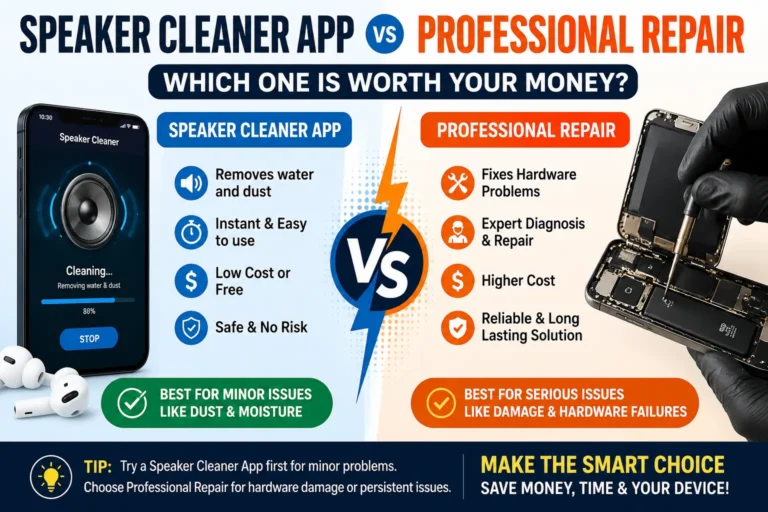
That said, neither method is a substitute for basic water-damage common sense. If your phone was fully submerged for an extended period, exposed to saltwater, or is showing signs of internal corrosion (visible discoloration near ports, a phone that will not power on, or a screen with strange discoloration), no home remedy is going to fix that. At that point, professional repair is your best move.
How to Safely Use the Eject Method on Your Phone
If you want to try the sound-based approach, here is a safe way to do it:
- Power off notifications and turn your volume up. The tone needs to be loud enough to generate real vibration.
- Use a reputable water-eject tool or shortcut. Many are free, browser-based, and do not require installing anything.
- Hold your phone speaker-side down over a soft towel while the tone plays, so gravity helps the water fall out.
- Wipe the speaker grille gently with a microfiber cloth between rounds.
- Let the phone air dry in a well-ventilated area for at least an hour before assuming it is fully clear.
- Test your speaker with a phone call or a short audio clip to check for clarity.
What NOT to Do When Your Phone Speaker Has Water In It
- Do not use a hairdryer or heat source. Heat can warp internal components and damage the battery.
- Do not bury it in rice. Rice dust can get lodged in ports and speakers, and it is slower and less effective than people assume.
- Do not shake the phone violently. This can push water into areas it had not reached yet.
- Do not charge the phone while it is still wet. This is one of the most common causes of permanent water damage, since moisture plus an electrical charge is a bad combination.
- Do not insert cotton swabs, toothpicks, or any object into the speaker mesh. You risk pushing water in deeper or damaging the diaphragm entirely.
Frequently Asked Questions
How long does it take for the eject method to work?
Most people notice a difference within one to three rounds of a 30-second tone, though stubborn moisture from deeper splashes may take a few repeated sessions over several hours.
Is the vacuum method ever safe to use?
Using a vacuum cleaner directly on a phone speaker is not recommended by most manufacturers or repair professionals. If you are going to try any suction-based approach, a gentle, low-power option held at a distance is far safer than a full-strength household vacuum.
Can I use both methods together?
It is generally unnecessary and adds risk without much added benefit. Since the eject method already handles trapped droplets effectively, there is little reason to introduce suction into the process.
My speaker still sounds muffled after trying the eject method. What now?
Give your phone more time to fully air dry, ideally overnight in a dry room, and try the tone again. If sound quality does not improve after 24 hours, there may be residual moisture near internal components that a repair technician will need to check.
Does this work on all phone brands?
Yes. The eject method works on the underlying physics of speaker vibration, so it applies to iPhones, Samsung devices, Google Pixels, and most other smartphones with exposed speaker grilles.
Is my phone actually waterproof if it has an IP68 rating?
An IP68 rating means your phone can typically survive submersion under specific depth and time conditions in a lab setting, but it is not a guarantee against all water damage, especially over time as seals naturally wear down.
Final Thoughts
When it comes to eject vs vacuum for clearing water out of your phone speaker, the sound-based eject method is the safer, more reliable, and more manufacturer-aligned choice. It works with your phone’s own hardware instead of introducing outside suction that was never designed for delicate electronics. The vacuum method might sound intuitive, but the real-world risks — from static damage to pushing water further inside — usually outweigh any potential benefit.
If your phone ever takes an unexpected splash, skip the vacuum cleaner, reach for a trusted water-eject tool, and give your speaker a gentle, low-frequency nudge back to normal.