How to Clean Your Phone and Other Devices: A Simple Guide for Keeping Your Gadgets Fresh and Healthy
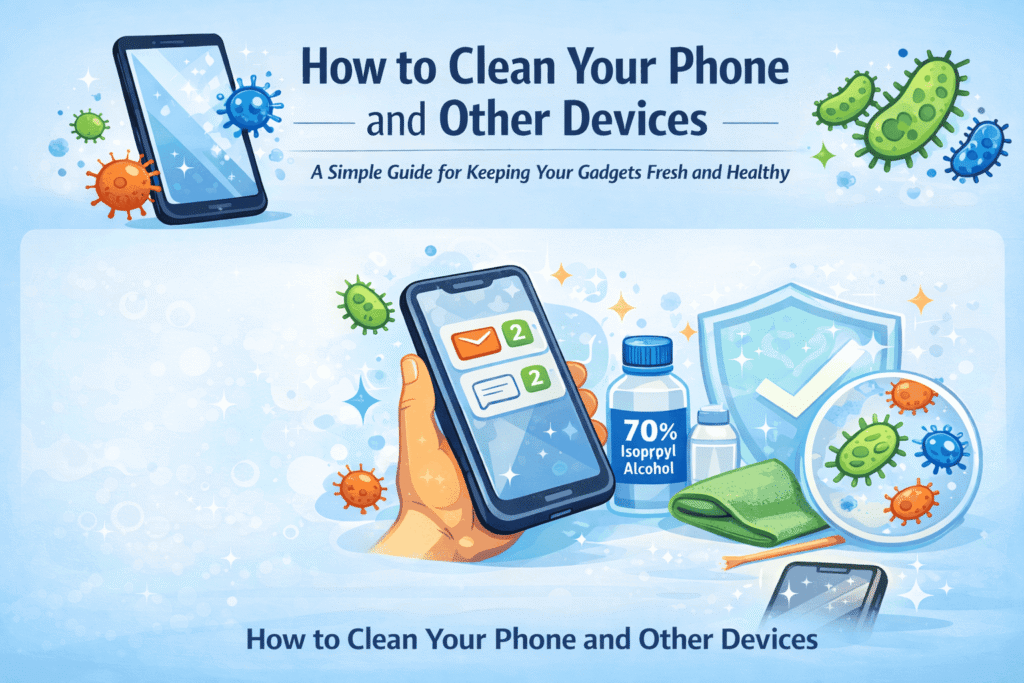
We all know how much we rely on our smartphones. From checking emails and catching up on social media to snapping photos and managing our daily tasks, it feels like these devices are practically extensions of ourselves. But have you ever thought about how often you touch your phone and what might be lurking on its surface? If you are like most people, you are probably unaware of how many germs and bacteria it picks up throughout the day.
Research has shown that phones can harbor harmful bacteria such as E. coli, Staphylococcus, and even viruses. In fact, a smartphone can be one of the dirtiest objects we interact with daily — often dirtier than a toilet seat. The average phone is a breeding ground for germs because we carry it everywhere, from the kitchen to the bathroom, and even in our hands while eating. It is not just about keeping your device looking shiny; it is about maintaining proper hygiene, ensuring that your phone continues to function well, and prolonging its lifespan.
This article will guide you through the process of cleaning your phone and other devices effectively, addressing common areas that accumulate dirt, bacteria, and dust, and explaining the best practices for maintaining their hygiene.
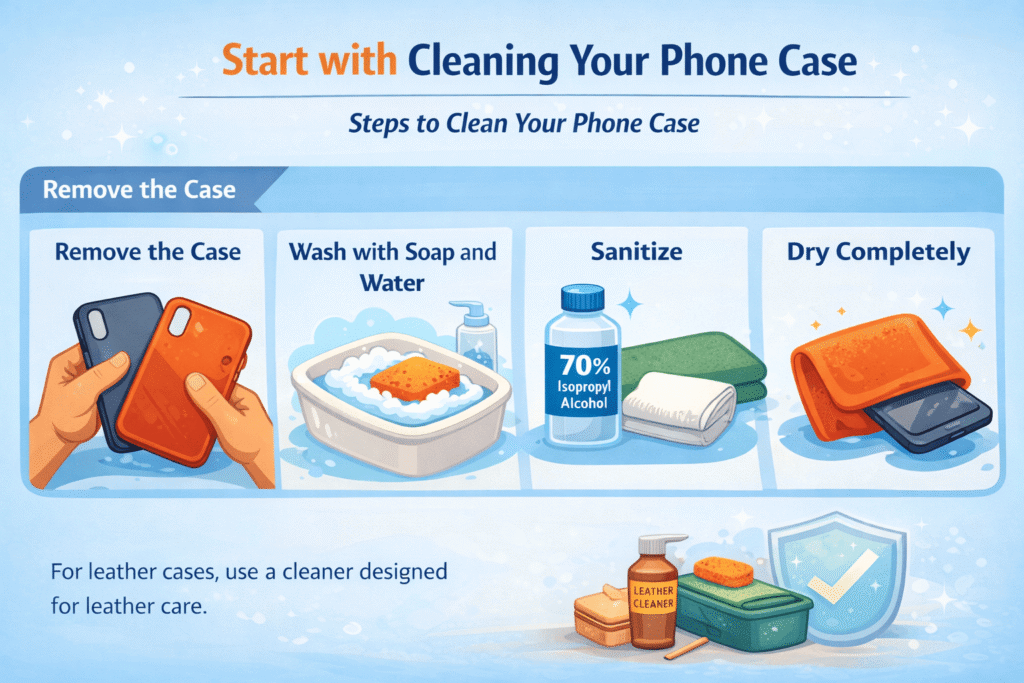
Start with Cleaning Your Phone Case
Your phone case takes a lot of the punishment when it comes to keeping your device protected, but it also accumulates the most dirt, germs, and bacteria. Whether it is silicone, rubber, or leather, your case plays a big part in keeping your phone clean — but it needs cleaning too!
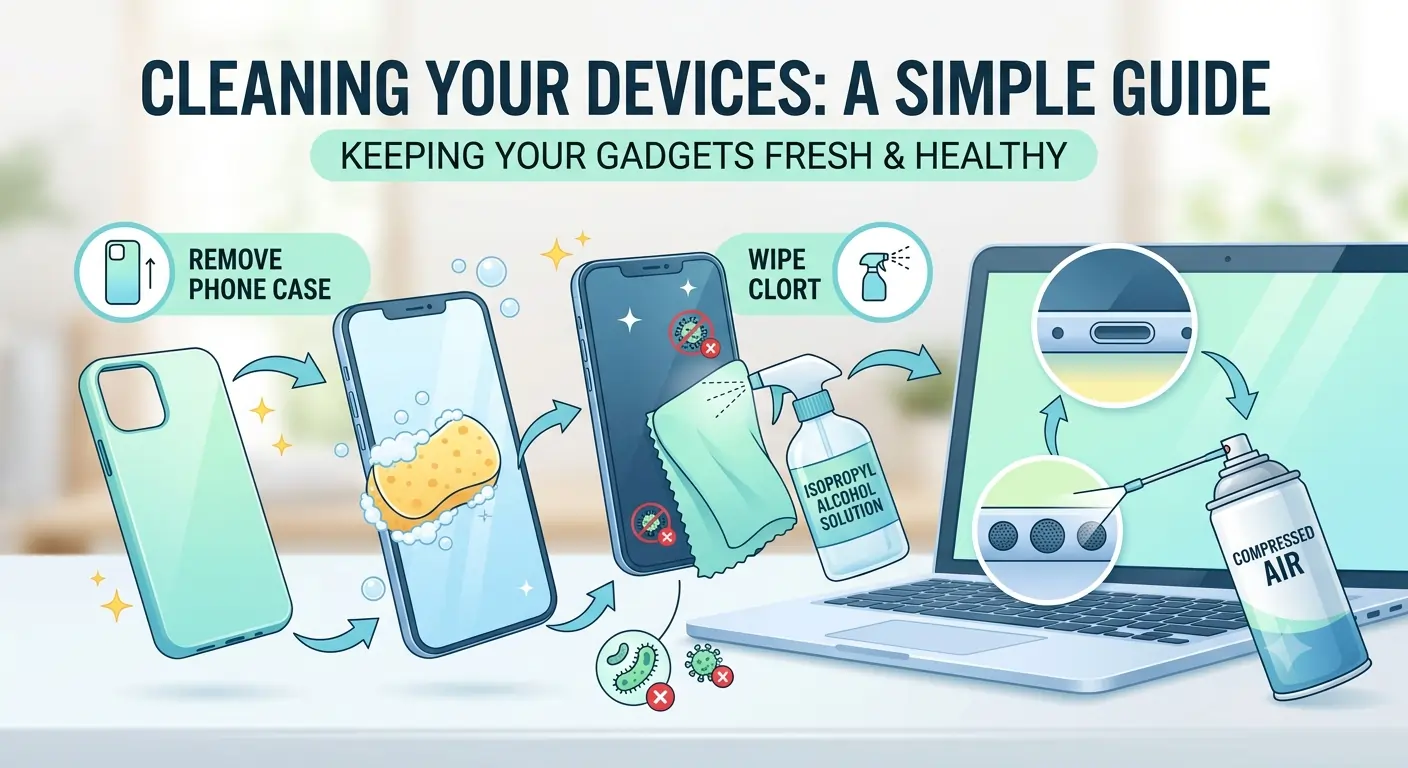
Steps to Clean Your Phone Case
- Remove the Case: Start by carefully removing your phone from its case. This prevents moisture from seeping into the device during the cleaning process.
- Wash with Soap and Water: For silicone, plastic, or rubber cases, use a mild dish soap mixed with warm water. You can use a sponge or a soft cloth to scrub the surface of the case, paying particular attention to the corners and edges where dirt tends to accumulate.
- Sanitize: After washing, you can use an isopropyl alcohol solution to sanitize the case. Apply the alcohol solution to a microfiber cloth and gently wipe the surface to remove any remaining bacteria.
- Dry Completely: Let the case dry thoroughly before placing it back on your phone. Ensure that moisture does not accumulate around sensitive areas like the camera and button cutouts.
- For leather cases, avoid using water directly. Instead, use a cleaner specifically designed for leather, following the manufacturer’s care instructions to prevent any damage to the material.
Cleaning Your Phone Be Gentle But Thorough
Your phone screen is delicate and requires special attention when cleaning. Harsh chemicals can ruin the screen or even strip away protective coatings. That is why it is so important to use the right products.
Best way to clean your phone screen:
- Turn Off Your Phone: It is a good idea to turn off your phone before cleaning it to avoid any accidental button presses or electrical issues.
- Create a Cleaning Solution: Mix isopropyl alcohol and water in a spray bottle. Alternatively, use a pre-moistened disinfecting wipe that is safe for electronics.
- Use a Microfiber Cloth: Dampen a microfiber cloth with your cleaning solution, but do not soak it. Gently wipe the screen in small circular motions, focusing on the areas that collect the most oil, such as the edges and around the home button.
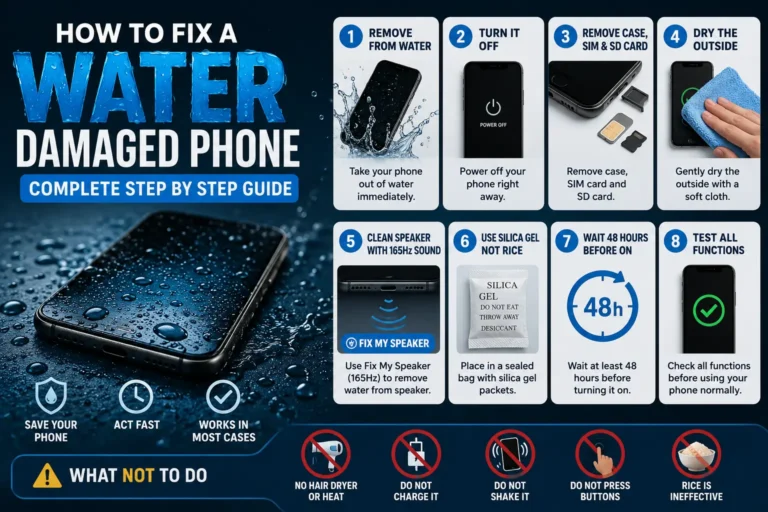
- Avoid Excess Moisture: Water can seep into the phone’s charging port or speakers and cause damage. If the cloth is too wet, wring it out before use.
- Dry the Screen: Finish up by wiping the screen with a dry part of the microfiber cloth to remove any excess moisture.
Don’t Forget the Charging Port
The charging port on your phone often gets overlooked, but it can quickly accumulate dust and dirt. This can cause your phone to charge slowly or, in some cases, prevent it from charging at all.
How to clean the charging port :
- Power Off Your Phone: Again, turning off your device is essential to avoid damaging the components.
- Use Compressed Air: The best way to clear the port is with a can of compressed air. Hold the can a few inches away and spray short bursts into the port.
- Use a Wooden Toothpick: If there is still debris left in the port, use a wooden or plastic toothpick to gently remove it. Avoid using metal tools, as they can scratch the pins inside the port.
- Check for Moisture: Before plugging in your charger, make sure the port is completely dry to avoid any moisture-related damage.
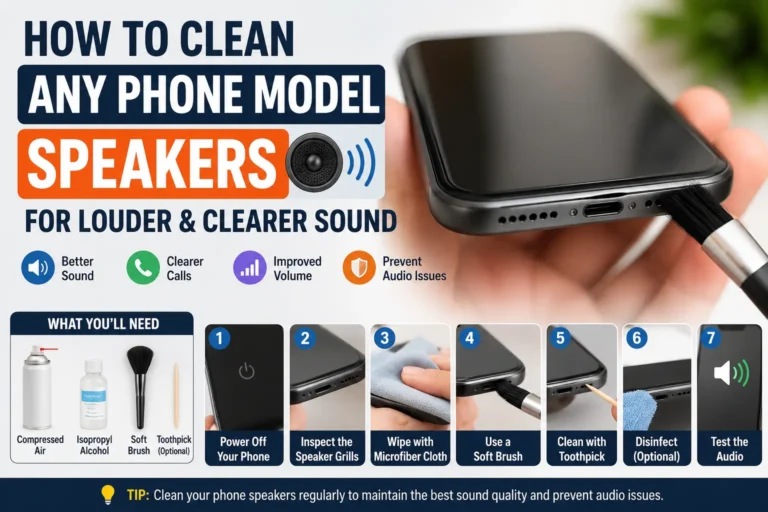
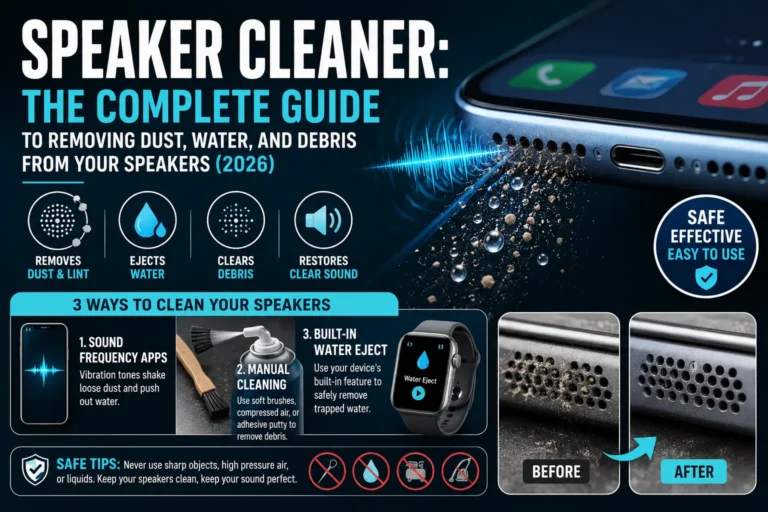
How to Clean the Speaker Grills
Your phone’s speaker grills can trap dirt and dust, which can affect sound quality. Cleaning these grills carefully is important to keep the sound clear and loud.
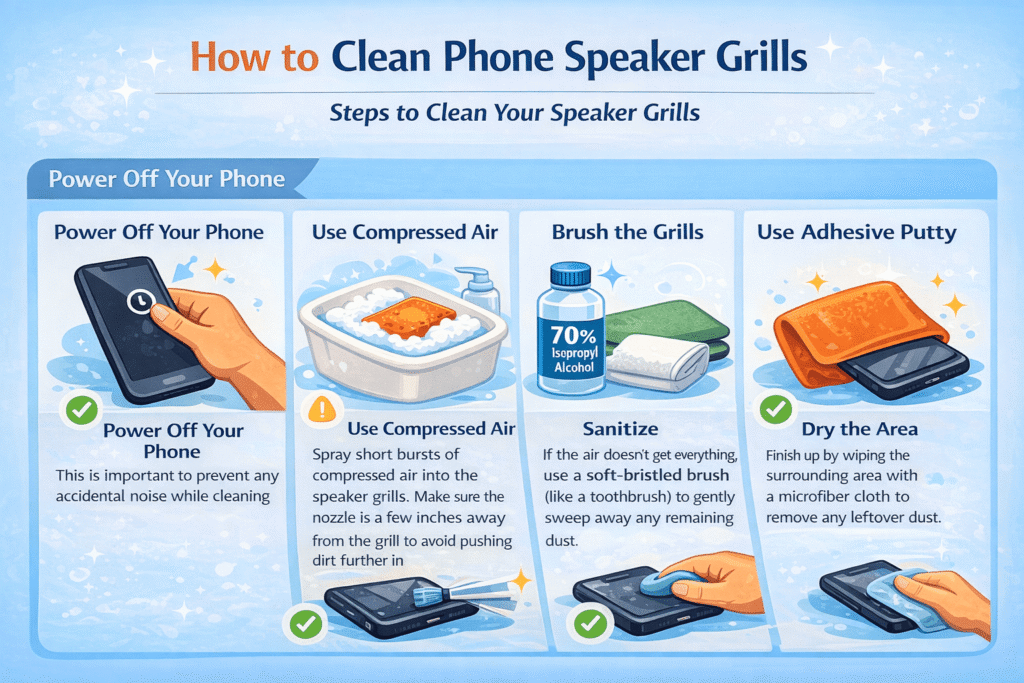
How to clean your speaker grills :
- Power Off Your Phone: This is important to prevent any accidental noise while cleaning.
- Use Compressed Air: Spray short bursts of compressed air into the speaker grills. Make sure the nozzle is a few inches away from the grill to avoid pushing dirt further in.
- Brush the Grills: If the air does not get everything, use a soft-bristled brush like a toothbrush to gently sweep away any remaining dust.
- Use Adhesive Putty: For tough dirt, take a small piece of Blu-Tack or a similar adhesive putty. Gently press it against the speaker grill to lift away the debris.
- Dry the Area: Finish up by wiping the surrounding area with a microfiber cloth to remove any leftover dust.
Maintain Regular Cleaning Habits
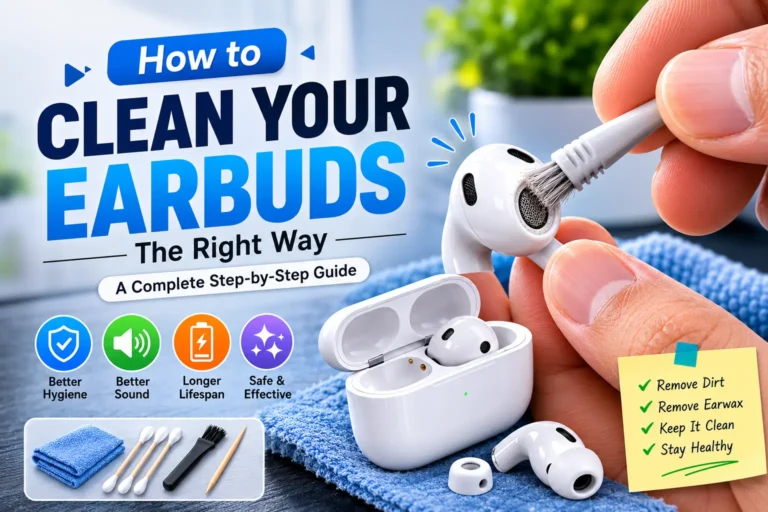
Cleaning your phone and other devices once in a while is great, but to keep them in the best shape, regular cleaning is key. This will prevent the buildup of dirt and bacteria, keeping your devices functional and hygienic.
How to maintain long-term cleanliness
- Clean Weekly: Make it a habit to clean your phone and case weekly. Wipe down the phone with a microfiber cloth and alcohol solution to remove oils and grime.
- Use a Case and Screen Protector: A phone case and screen protector will help prevent scratches and keep the screen free from fingerprints. Consider an antimicrobial case to minimize bacteria growth.
- Wash Your Hands Before Using Your Phone: Clean hands reduce the amount of oil, dirt, and bacteria transferred to your device.
- Avoid Eating and Drinking Near Your Devices: Spills are one of the easiest ways to create a mess on your phone. Keep food and drinks away from your gadgets to avoid unwanted crumbs or stains.
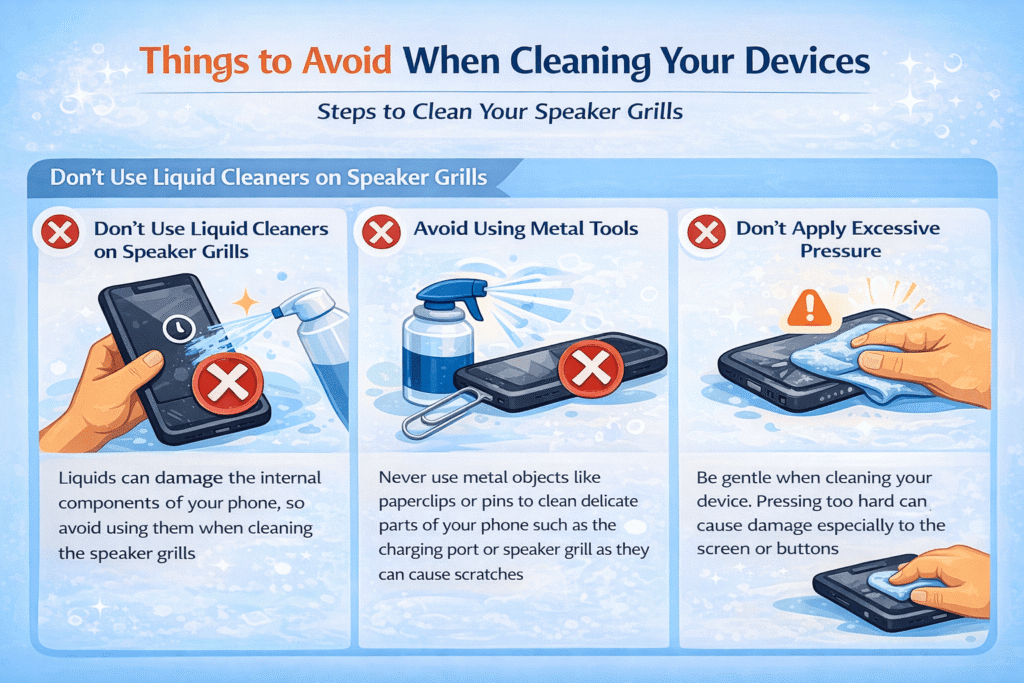
Things to Avoid When Cleaning Your Devices
While cleaning your phone, there are a few things you should steer clear of to avoid damaging it:
- Do Not Use Liquid Cleaners on Speaker Grills: Liquids can damage the internal components of your phone, so avoid using them when cleaning the speaker grills.
- Avoid Using Metal Tools: Never use metal objects like paperclips or pins to clean delicate parts of your phone, such as the charging port or speaker grill, as they can cause scratches.
- Do Not Apply Excessive Pressure: Be gentle when cleaning your device. Pressing too hard can cause damage, especially to the screen or buttons.
Conclusion: Keeping Your Phone Clean Is Easier Than You Think
In conclusion, cleaning your phone and other devices does not have to be complicated, but it is an important task to ensure they stay in top condition. Regularly cleaning your phone case, screen, charging port, and speaker grills not only maintains the aesthetic appearance of your device but also ensures that it stays hygienic and functions properly. Remember, a few minutes of care each week can go a long way in keeping your phone and other devices looking new and working like a charm.
By following these simple steps, you can protect your phone from bacteria, extend its lifespan, and make sure that it continues to perform at its best. Clean habits do not just benefit your phone — they also contribute to your overall health, as your phone will no longer be carrying around harmful bacteria from public spaces.