Speaker Cleaner App No Download: Why Browser-Based Tools Are Taking Over
Don’t want to install another app just to clean your phone speaker? Here’s how a no-download speaker cleaner works directly in your browser, why it’s often the smarter choice, and a video walkthrough.
Do You Really Need to Install Something for This?
Your phone speaker sounds muffled, crackly, or weirdly quiet, and you go looking for a fix. Within a few taps, you land in the App Store or Play Store, staring at half a dozen “speaker cleaner” apps — most asking for permissions you did not expect, some cluttered with ads, a few requiring an account just to press play on a sound. It is a strange amount of friction for something that, at its core, is just a single audio tone.
That friction is exactly why speaker cleaner app no download has become such a common search. People have realized they do not actually need to install anything at all — the entire process can run directly in a phone’s web browser, with no app store visit, no permissions screen, and no storage space used. This guide covers how these no-download tools work, why they are often the better option, and how to use one properly. There is a video walkthrough near the end too.
A browser-based speaker cleaner needs nothing more than an internet connection and a tap of the play button.
What Does “No Download” Actually Mean Here?
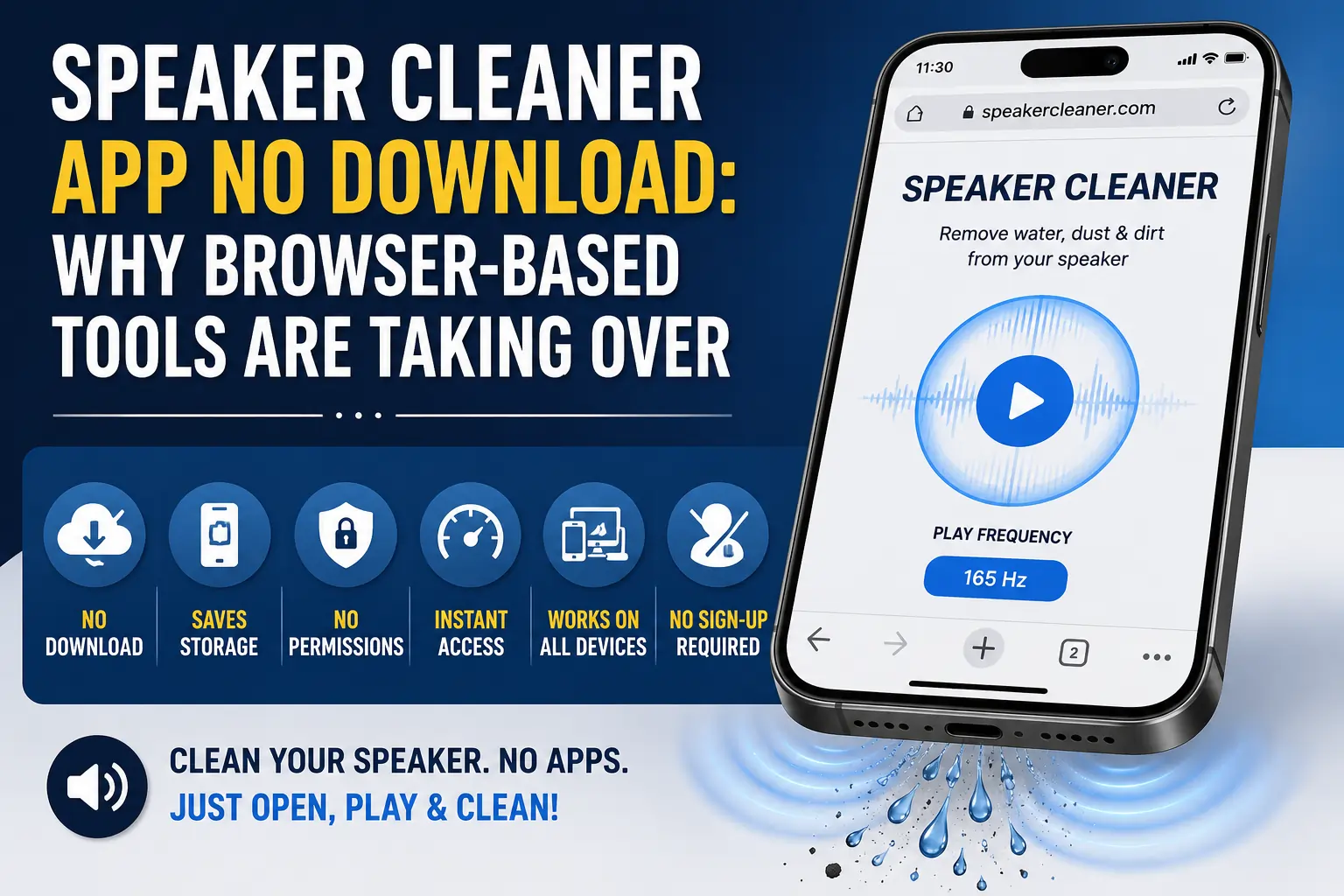
A no-download speaker cleaner is simply a website rather than an app. Instead of going through an app store, downloading a package, granting permissions, and waiting for an install to finish, you open a URL in your phone’s regular browser — Safari, Chrome, Firefox, whichever you use — and the tool loads immediately, ready to play its cleaning tone.
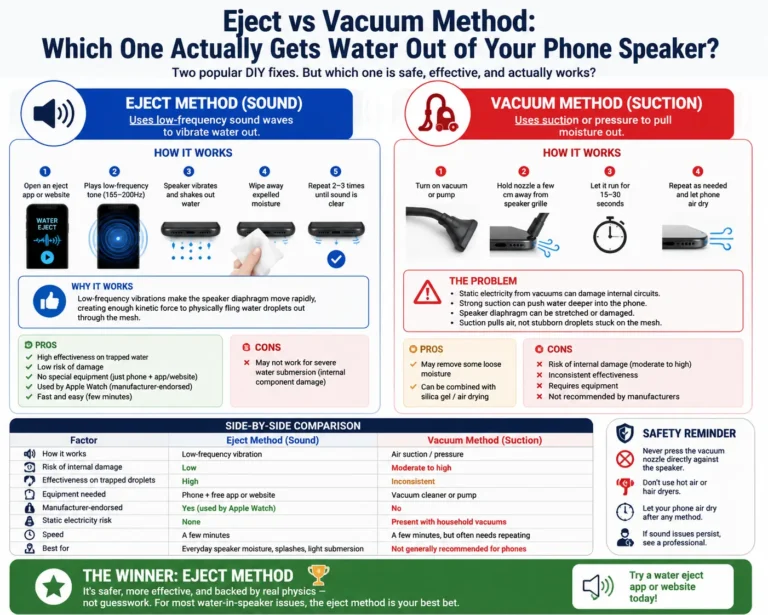
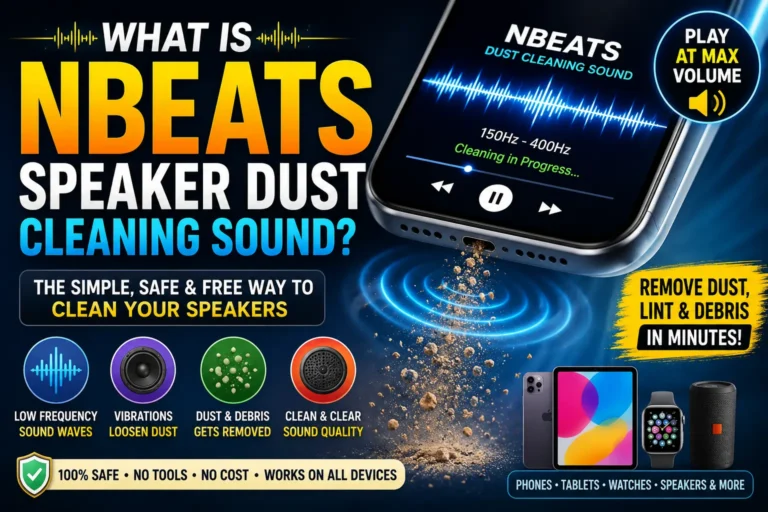
Under the hood, it works exactly the same way a native app would: it plays a calibrated audio tone, usually somewhere in the low-frequency range around 150–230 Hz, that vibrates your phone’s speaker diaphragm strongly enough to help push out trapped water, dust, and debris. The difference is not in what the tool does — it is entirely in how you access it.
Why Skip the App and Use a Browser Tool Instead?
There are a handful of genuinely practical reasons this approach has become so popular, beyond just convenience.
1. No Storage Space Used
Apps, even small utility ones, take up storage — sometimes more than expected once updates and cached data pile up. A browser tool uses essentially none of your phone’s storage, since nothing is actually installed.
2. No Permissions to Grant
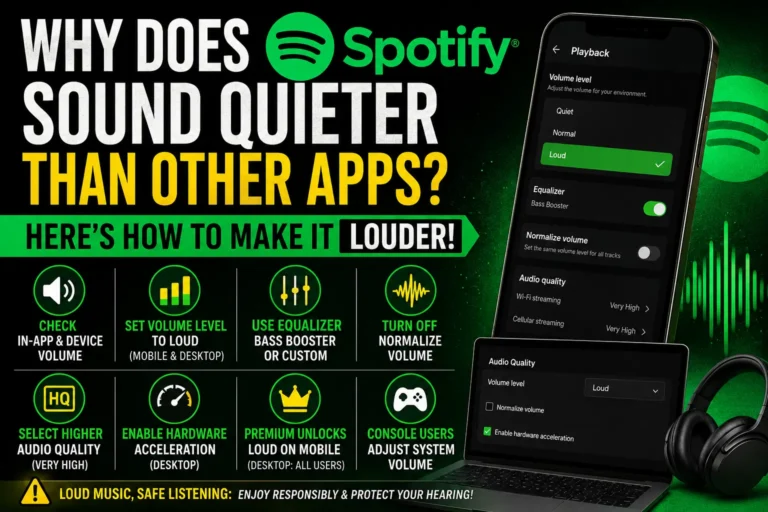
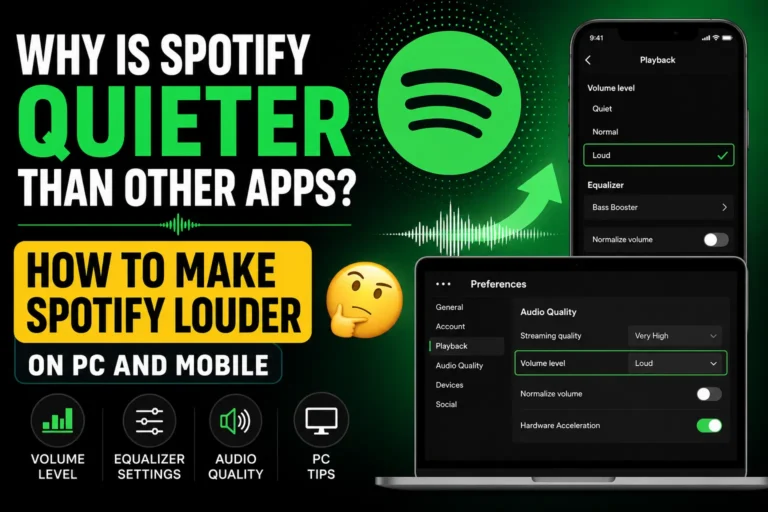
Native apps often ask for permissions that feel disproportionate to what they are supposed to do — microphone access, storage access, notification permissions, sometimes even contacts or location. A browser-based tool typically needs nothing beyond basic audio playback, which your browser already handles for any website with sound.
3. Nothing Left Behind
Once you are done using a website, you close the tab and that is it. There is no leftover app icon cluttering your home screen, no background process running, and nothing to remember to uninstall later.
4. Works Across Every Device the Same Way
An app usually has to be built separately for iOS and Android, and sometimes the two versions behave differently or one gets updated before the other. A website works identically regardless of what phone, tablet, or even laptop you are using, since it just needs a standard web browser.
5. No Account or Sign-Up Required
Because there is no app to “own” or track your usage across sessions, most browser-based speaker cleaners skip account creation entirely. You show up, press play, and leave — no email, no password, no data tied to your identity.
6. Faster to Actually Use in an Emergency
When your phone just took an unexpected splash, the last thing you want is to wait for an app to download and install. A website loads in seconds on most connections, which matters when you are trying to act quickly after water exposure.
A quick browser-based cleaning cycle can clear debris and moisture just as effectively as an installed app.
How a No-Download Speaker Cleaner Actually Works
The mechanism is identical to any app-based version — it just skips the installation step entirely.
- You open the website in your phone’s browser.
- The page loads a pre-built audio file or generates a tone in real time using your browser’s built-in audio capabilities.
- Pressing play sends that tone through your phone’s speaker, just like any other audio content — a song, a podcast, a notification sound.
- The tone vibrates the speaker diaphragm at a frequency chosen specifically to help dislodge trapped water and shake loose compacted dust.
- You test the result with real audio afterward, and repeat the cycle if needed.
Because the tone is just standard audio playing through the browser, there is nothing unusual happening at a technical level — it is no different from playing any other sound-based content online, just engineered for a mechanical purpose rather than entertainment.
Step-by-Step: Using a Browser-Based Speaker Cleaner
Step 1: Open Your Phone’s Browser
Any standard browser works — Safari on iPhone, Chrome on Android, or whichever you have set as default.
Step 2: Navigate to a Speaker Cleaner Website
Search for a reputable speaker cleaner tool, or use a bookmark if you have used one before. No app store detour needed.
Step 3: Remove Your Case
A case, especially a thick or waterproof one, can dampen the sound before it reaches the speaker at full strength. Take it off for the duration of the cleaning cycle.
Step 4: Set Your Volume to Maximum
The cleaning effect depends on strong diaphragm movement, which requires playing the tone at full volume.
Step 5: Disconnect Bluetooth Devices
If your phone is paired with earbuds, a speaker, or a car system, audio may route there instead of through your built-in speaker. Turn Bluetooth off temporarily to make sure the tone actually reaches the speaker you are trying to clean.
Step 6: Tilt the Speaker Downward
Positioning the speaker grille facing the floor lets gravity assist the vibration in pushing water and debris out rather than around inside the chamber.
Step 7: Press Play and Let It Run
Most cleaning cycles last 30–90 seconds. Let the full cycle finish rather than stopping early.
Step 8: Test With Real Audio
Play a voice memo, a song, or make a quick call. If things still sound muffled, repeat the cycle two or three more times — heavier moisture or debris often needs a few passes.
Watch a No-Download Cleaning Process in Action
Here is a quick demonstration showing exactly what this process looks like from start to finish, using nothing but a browser and a phone:
📺 Video: How to Remove Water From Your Phone Speakers
https://www.youtube.com/shorts/ANzj-5B3Urg
Browser Tool vs. Installed App: A Fair Comparison
Neither option is universally “better” — they suit slightly different situations.
A browser-based tool tends to win when:
- You need a fast, one-time fix and do not want to commit to installing something.
- You are trying to preserve phone storage.
- You are uncomfortable granting an app permissions for a task this simple.
- You want to try the tool on a friend’s or family member’s phone without installing anything on their device.
An installed app might make more sense when:
- You expect to use the tool very frequently and want quicker access from a home screen icon.
- You want offline functionality without needing an internet connection at all.
- You prefer having settings and preferences saved between sessions automatically.
For the vast majority of people dealing with an occasional splash, sweat exposure, or dust buildup, the no-download route covers the need completely without any of the extra commitment an app requires.
Why This Shift Toward Browser Tools Has Been Accelerating
A few years ago, almost every “clean your speaker” search led straight to an app store listing. That has shifted noticeably as more developers realized the entire function — playing a specific audio tone at a specific volume — does not need native app capabilities at all. Modern browsers handle audio playback perfectly well on their own, so building a dedicated app became more about convenience branding than technical necessity. As people grew more cautious about installing single-purpose apps that request broad permissions for a task this simple, browser-based tools quietly became the more trusted default for a large share of everyday users.
Both approaches use the same underlying sound-based method — the difference is purely in how you access the tool.
Is a No-Download Speaker Cleaner Safe to Use?
Yes, with the same reasonable expectations that apply to any sound-based cleaning method. The tone played is just standard audio, comparable in nature to any music or media your phone already plays — it is the frequency and duration that are specifically engineered for the cleaning effect, not anything unusual about the underlying technology. A few sensible precautions:
- Stick to volume levels your phone is already designed to handle — maximum media volume, not some external amplification.
- Avoid running cycles back-to-back for extended periods; a few cycles with short breaks is more than enough for most situations.
- If your speaker still sounds wrong after several cycles, that is a signal to stop and consider whether something beyond simple blockage is involved, rather than continuing indefinitely.
Because nothing is installed, there is also no lingering background app to worry about afterward — once you close the tab, there is nothing left running or collecting data on your device.
Frequently Asked Questions
Do I need an internet connection every time I use a no-download speaker cleaner?
Usually just to load the page initially. Many browser-based tools cache the audio once loaded, meaning you can often replay the tone without needing an active connection for repeat cycles in the same session.
Is a website-based speaker cleaner as effective as an installed app?
Yes. The cleaning effect comes entirely from the audio tone itself, not from anything unique to being an installed app. A website playing the same frequency achieves the same physical result.
Can I bookmark a speaker cleaner website for quick access later?
Absolutely — bookmarking a reliable site gives you nearly the same quick-access convenience as an app icon, without any of the storage or permissions involved in installing one.
Will using a browser tool drain my battery more than an app would?
No meaningfully different amount. A cleaning cycle typically lasts under two minutes of audio playback, which uses a negligible amount of battery either way.
Is it safe to use a speaker cleaner website on a device that is not mine, like a friend’s phone?
Yes — this is actually one of the clearest advantages of a no-download tool, since you can help clean someone else’s speaker without installing anything on their device at all.
What if the website asks me to download something anyway?
A genuine no-download speaker cleaner should never require an app installation, account creation, or file download to function. If a site insists on this, it is worth looking for a more straightforward, purely browser-based alternative instead.
Final Thoughts
There is something a little absurd about installing an entire app, granting it permissions, and letting it sit on your home screen forever, just to play a single sound that fixes a muffled speaker. A speaker cleaner app no download approach cuts out all of that unnecessary overhead — you get the exact same sound-based fix, in the same amount of time, without adding anything permanent to your phone.
For the everyday splash, sweaty workout, or months of accumulated pocket lint that causes most muffled-speaker complaints, opening a browser tab and pressing play really is all it takes.
Tried a no-download speaker cleaner yourself? Share how it worked out in the comments, and pass this along to anyone who is about to go download yet another app for a problem a browser tab can already solve.