Water Removal Sound 165Hz: Why This Exact Frequency Clears Water From Your Phone Speaker
Curious why 165Hz specifically is used to eject water from phone speakers? Here is the science behind the frequency, how to use it safely, and a video demonstration.
Why One Specific Number Keeps Showing Up Everywhere
If you have ever searched for a way to get water out of your phone’s speaker, you have probably noticed the same number popping up over and over: 165Hz. It shows up in app descriptions, browser-based tools, iOS Shortcuts, and countless videos promising to fix a waterlogged speaker in under a minute. It is not a coincidence, and it is not marketing fluff either — 165Hz is genuinely close to a sweet spot for this exact job, and there is real physics behind why.
This article breaks down what a “water removal sound” actually is, why 165Hz specifically gets used so often, how to use one properly, and what results you can realistically expect. There is also a demonstration video below so you can hear the tone and see it in action before trying it yourself.
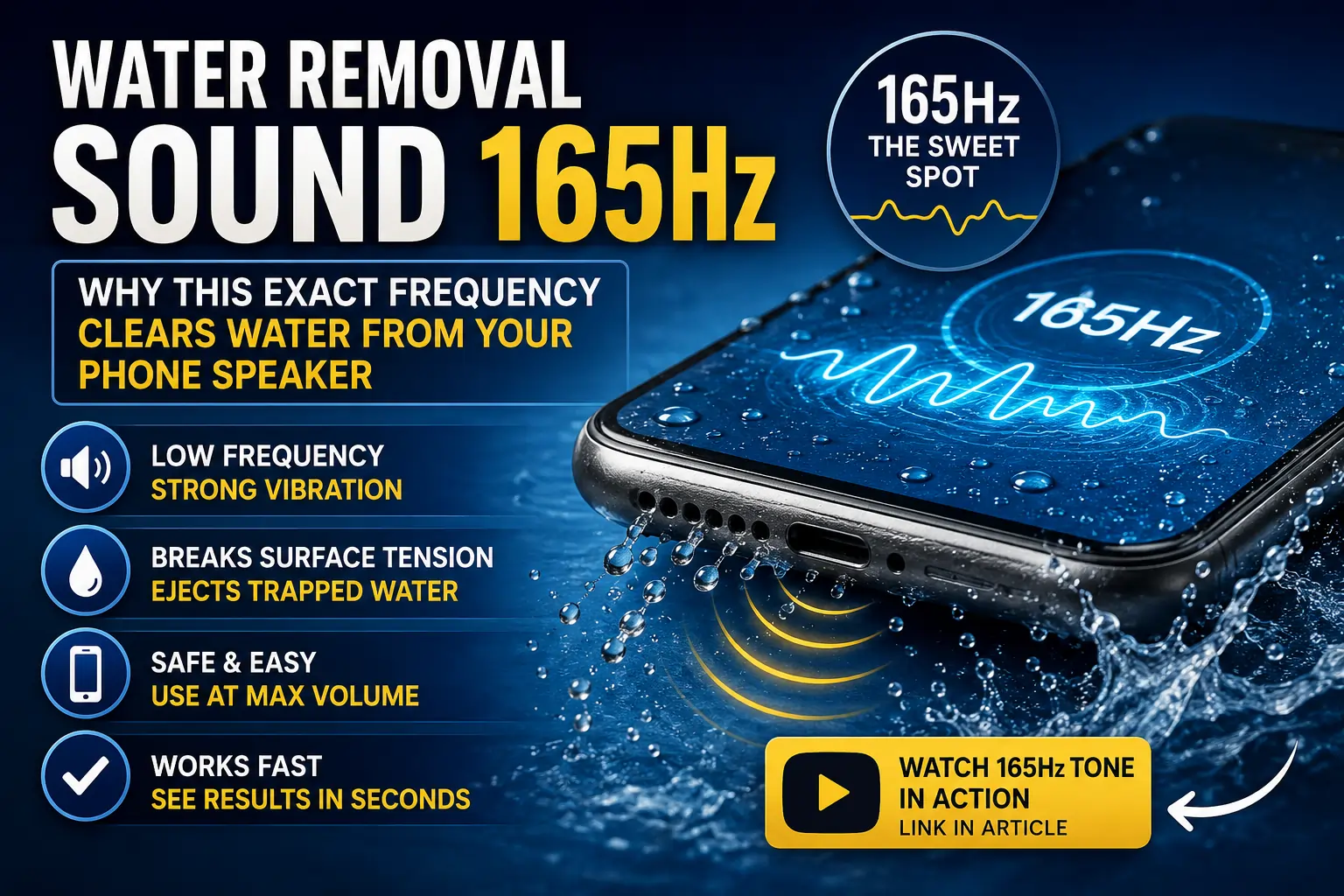
Low-frequency tones like 165Hz are engineered specifically to vibrate a speaker diaphragm in a way that helps physically eject trapped water.
What Is a “165Hz Water Removal Sound,” Exactly?
A water removal sound is a single sustained tone, or a short looping sequence of tones, built to vibrate a phone’s speaker diaphragm at a frequency strong enough to physically shake trapped water droplets loose from the speaker mesh. It is not music, and it is not meant to sound pleasant — the entire point is mechanical, not musical.
165Hz sits in the lower-midrange of audible sound, roughly around the pitch of a low male speaking voice or the lower notes of a bass guitar. At that frequency, a speaker’s diaphragm moves with a relatively large, slow excursion — meaning it physically travels further back and forth with each cycle compared to how it moves at higher pitches. That larger physical movement is exactly what is needed to overcome the surface tension holding water droplets in place inside the tiny openings of a speaker grille.
The Science: Why 165Hz Specifically?
It helps to understand a bit about how speakers and water interact at a physical level.
Diaphragm Excursion Matters More Than Volume
A speaker driver produces sound by moving a thin membrane back and forth rapidly. At high frequencies, that membrane moves in small, fast motions. At low frequencies, it moves in larger, slower motions. Water sitting in the speaker grille responds much better to a big, slow push than to a rapid, small vibration — which is why very low tones tend to outperform higher-pitched ones for this specific task, even at the same volume level.
Surface Tension Has a “Breaking Point”
Water forms a thin film across small openings because of surface tension — the same property that lets a water strider walk on a pond. That film resists gentle disturbances but breaks down when hit with a strong enough physical push. A low-frequency tone at sufficient volume delivers exactly that kind of push, repeatedly, until the water’s grip on the mesh gives way.
165Hz Sits Inside a Practical Sweet Spot
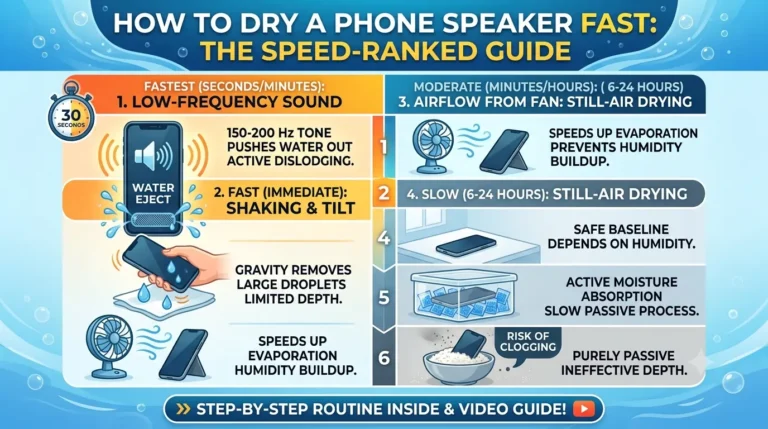
Go too low (below roughly 100Hz) and many small phone speakers struggle to reproduce the tone with enough strength, since tiny speaker drivers are physically limited in how well they can move that slowly. Go too high (above roughly 300–400Hz) and the movement becomes too fast and shallow to meaningfully disturb larger water droplets. Right around 150–200Hz — with 165Hz frequently cited as the most commonly used exact figure — tends to hit the point where most phone speakers can still reproduce the tone at meaningful volume while still getting the large excursion needed to dislodge water.
It Is the Same Idea Apple Uses
This is not a new or unproven concept. Apple Watch models with water resistance have long included a built-in water-eject feature that works on essentially the same principle: a calibrated low-frequency tone that vibrates the speaker to force out water after swimming or a splash. The 165Hz tools used for phones are, in effect, applying that same established idea to a device that does not have the feature built in natively.
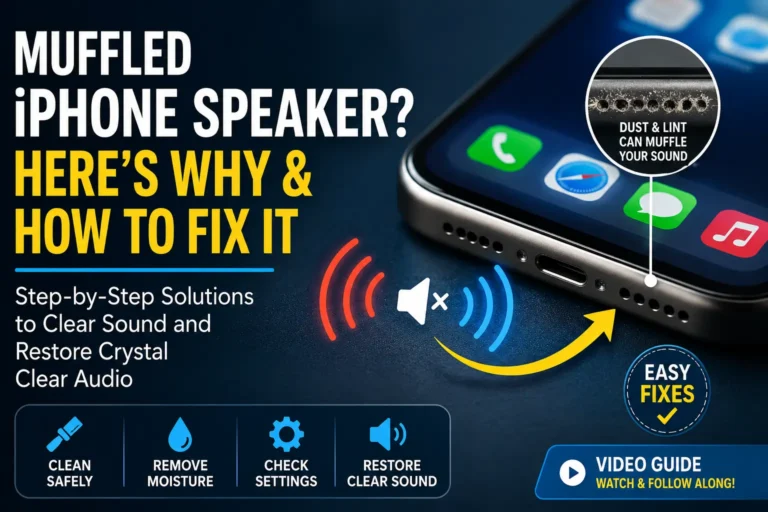
Low-frequency vibration helps break the surface tension holding water droplets inside the tiny openings of a speaker mesh.
How to Use a 165Hz Water Removal Sound Properly
Playing the tone correctly makes a real difference in how well it works. Here is the process that tends to give the best results.
Step 1: Power Down If the Phone Is Freshly Wet
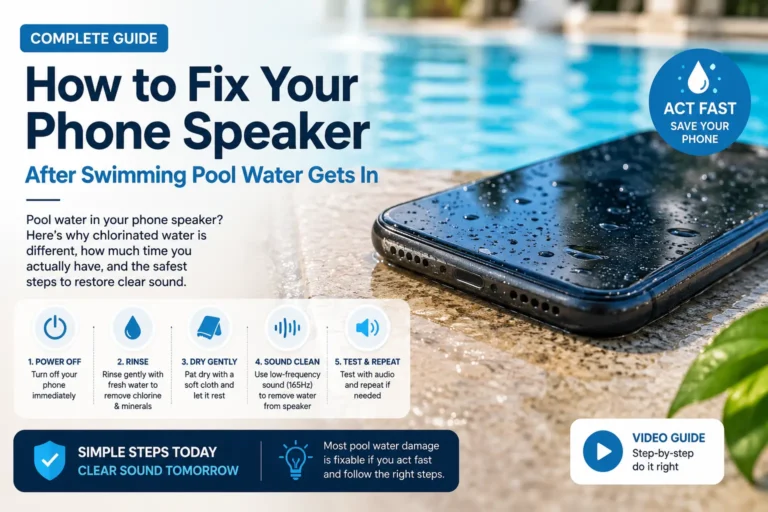
If your phone just went into water, turn it off first to reduce the risk of a short circuit while moisture is present, then gently pat the outside dry with a soft cloth.
Step 2: Take the Case Off
Cases — especially thicker or waterproof ones — can muffle the tone before it even reaches full volume at the speaker. Removing the case lets the sound do its job unobstructed.
Step 3: Turn the Volume All the Way Up
The effect depends entirely on getting enough physical movement out of the diaphragm, and that requires playing the tone at maximum volume. A quiet playback will not produce enough excursion to move water.
Step 4: Tilt the Speaker Downward
Position the phone so the speaker grille faces toward the ground. This lets gravity work with the vibration rather than against it, helping water exit rather than just get shaken around inside the chamber.
Step 5: Play the Tone for 30–60 Seconds
Most 165Hz tools or videos run for about half a minute to a full minute per cycle. Let it play through fully rather than stopping early.
Step 6: Check and Repeat if Needed
After each cycle, test with real audio — a voice memo playback or a quick call. If sound is still muffled, repeat the cycle two or three more times. It is common for the first cycle to only partially clear water, with noticeable improvement building over two to three repetitions.
Step 7: Look for Visible Improvement
Some people notice small droplets of water visibly emerging from the speaker grille during or right after a cycle — a good sign the tone is doing exactly what it is supposed to.
Watch the 165Hz Tone in Action
It is much easier to understand the effect by actually hearing the tone and watching how it is used. Here is a demonstration:
📺 Video: 165Hz Water Eject Sound – Phone Speaker Water Removal
https://www.youtube.com/watch?v=rChZY79J6x4
Is 165Hz the Only Frequency That Works?
Not exactly — it is more accurate to think of 165Hz as the most commonly cited and widely tested figure rather than a single magic number. A few variations show up across different tools and videos:
- Straight 165Hz tone — the most common single-frequency approach, and the one most associated with the original Apple Watch-inspired method.
- 150–200Hz range — some tools use a slightly broader band rather than one exact pitch, since small variations in speaker size and design mean the truly optimal frequency can shift a little from phone to phone.
- Frequency sweeps — some videos and tools move gradually from a low frequency (around 165Hz) up through higher ranges, aiming to combine strong water-ejecting vibration with higher-frequency dust-dislodging movement in a single sequence.
In practice, none of these variations are dramatically different in effectiveness — they are all built around the same underlying principle of using a low, physically forceful tone to disturb trapped water.
Where Did This Method Actually Come From?
The idea of using sound to clear water out of a small electronic device did not start with phone speaker tools — it started with wearables. Water-resistant smartwatches needed a way to clear their tiny speaker grilles after swimming without relying on any physical drying process, since a watch obviously cannot be left in a bag of rice for two days between laps. Engineers landed on the same core idea described above: a calibrated low-frequency tone that forces the speaker diaphragm to move with enough excursion to push water out through the grille.
Once that approach proved reliable in a wearable context, independent developers and hobbyists began recreating the same effect for regular phones, since the underlying speaker technology is not fundamentally different — just larger. That is how a fairly specific engineering solution built for one product category ended up as a widely shared, freely available browser tool and video format used by millions of phone owners with no connection to the original hardware it was designed for.
What This Method Will Not Fix
It is worth being realistic about the limits of a sound-based approach, since expecting too much can lead to frustration or unnecessary risk-taking:
- Deep or prolonged submersion may allow water to reach areas a speaker tone simply cannot influence, such as internal components away from the speaker chamber.
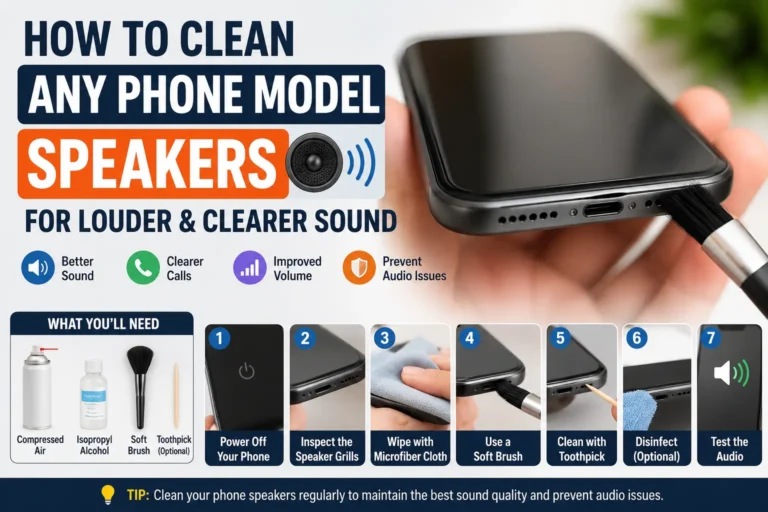
- Mineral residue left behind after water dries — from pool water, seawater, or sugary drinks — is not moisture anymore, so vibration alone may only partially help; a soft brush cleaning is often needed alongside it.
- Corrosion on internal contacts is a chemical and electrical problem, not a physical blockage, and no amount of sound will reverse it.
- Physical damage to the diaphragm itself — from a hard drop or manufacturing flaw — is not something any tone can repair, since the problem is not blockage in the first place.
Used within its actual purpose — clearing trapped water and helping loosen fine dust — a 165Hz tone is genuinely effective. It is just not a universal fix for every possible audio problem.
Testing with real audio after each cycle is the best way to judge whether the tone is working.
Frequently Asked Questions
Why does 165Hz specifically get used instead of a random low tone?
It is widely cited because it sits in a practical sweet spot — low enough to produce strong diaphragm movement, but not so low that small phone speakers struggle to reproduce it clearly at volume.
Can a 165Hz tone damage my speaker if I play it too many times?
Played at normal media volume for short cycles, it is no more stressful on a speaker than any other audio content at the same volume. It is sensible to avoid running it continuously for very long stretches, the same way you would avoid any prolonged max-volume playback.
How is a 165Hz tone different from just playing loud music to shake water out?
Music contains a wide, constantly shifting mix of frequencies, most of which are not optimized for large diaphragm movement. A dedicated low-frequency tone stays consistently at the frequency best suited to physically disturb trapped water, rather than spreading energy across a broad range.
Does the 165Hz method work on Bluetooth speakers and earbuds too?
Yes, as long as the device is connected and playing audio through its own driver, the same underlying vibration principle applies.
How many cycles should I expect to need?
Anywhere from one to three cycles is typical for everyday splashes or sweat exposure. Heavier water exposure sometimes needs more repetitions, with gradual improvement noticeable between each one.
Is there an official, built-in way to play this tone on iPhone?
Yes — the Shortcuts app supports a “Water Eject” shortcut that runs a calibrated low-frequency tone using the same principle, and it can even be triggered by voice through Siri.
Final Thoughts
The specific mention of “165Hz” is not a random number picked for the sake of sounding technical — it reflects a genuinely useful physical property of how speaker diaphragms move at different frequencies, and how that movement interacts with trapped water. Used correctly — volume maxed, case off, speaker facing down, repeated a few times as needed — a 165Hz water removal sound is one of the fastest, safest, and most effective ways to deal with a wet or muffled phone speaker, without opening the device or waiting days for rice to (maybe) do the job.
It will not fix everything, but for the everyday splash, sweat, or light rain exposure that causes most muffled-speaker complaints, it is very often all you need.
Have you tried a 165Hz water removal sound on your own phone? Share how many cycles it took to clear things up in the comments, and pass this along to anyone dealing with a muffled speaker right now.